
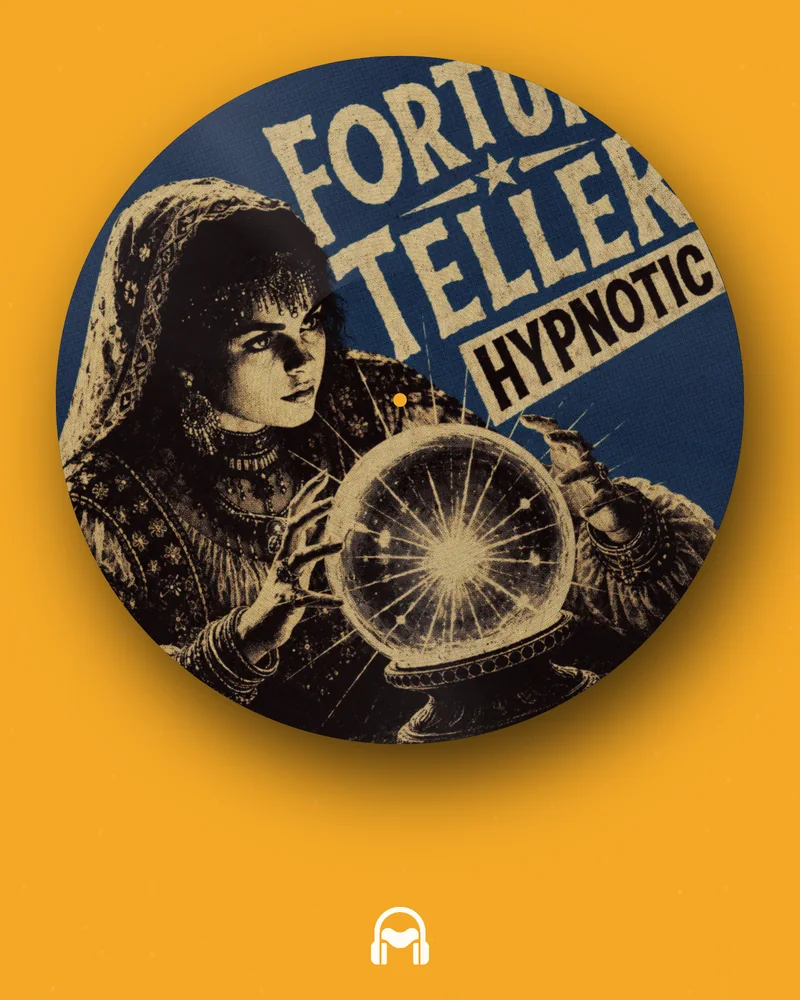
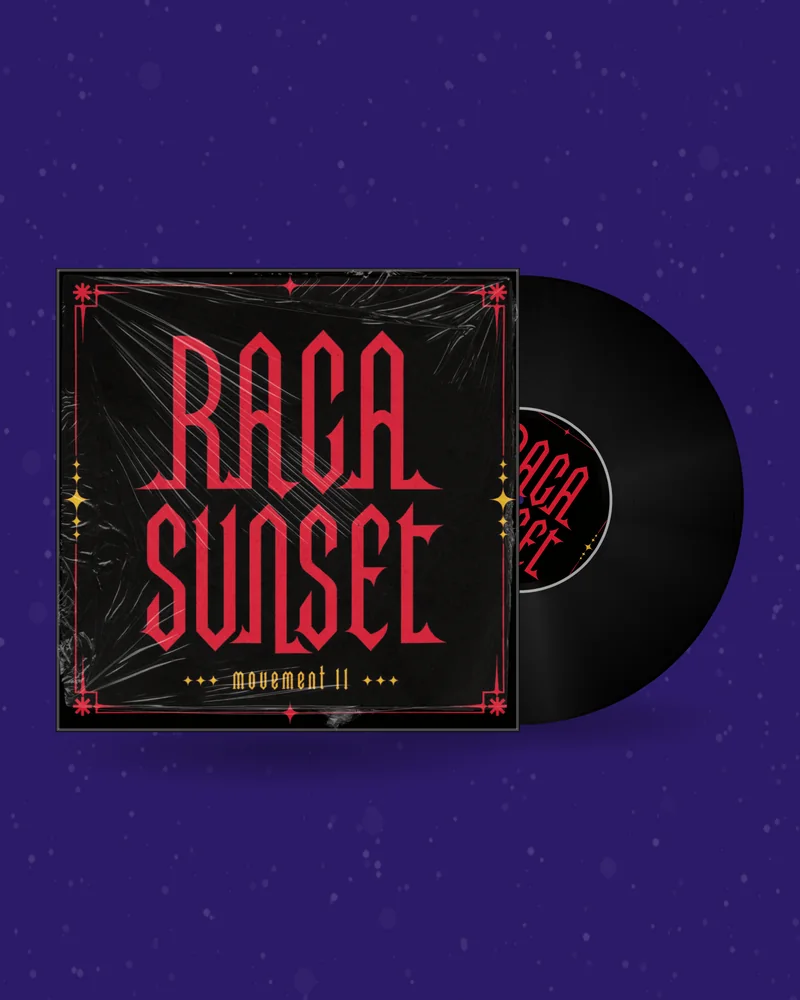
A beat has no singer to film, and often no photo shoot either. Still, YouTube, Reels, TikTok and Shorts only accept video. Upload the MP3 or WAV of your beat and get a visual that moves with the kick and the bass, with the title, the BPM and your producer name on screen. The audio is read and rendered in your browser; the file is not uploaded to a server.
A producer needs video in three places: on YouTube, where artists search for type beats; in the short vertical feeds, where a new beat gets its first listeners; and next to the beat in a store, where a preview helps a buyer decide.
None of these needs a camera. The person who clicks on a type beat wants to hear the beat and read three things: what it is called, how fast it is and who made it. The video only has to carry that information and give the eye something to follow while the ears do the work.
That is why a music visualizer suits producers so well. It is made from the audio you already bounced, it takes minutes instead of an evening in an editor, and it can look the same for every upload, so a channel with forty beats reads as one catalogue.
The picture is drawn from the sound: particles, lines or bars react to the kick, the bass and the hats. There are 15 looks in 54 variants, each with its own sliders, plus strobe and beat-pulse switches. No artwork is required. Open →
If the beat has artwork, put it on a spinning vinyl, a CD or a cassette. You export a clip of up to 30 seconds that loops perfectly. It suits lo-fi, boom bap and soul samples, where the record is part of the mood. Open →
The two do not exclude each other. Many producers use the visualizer for the YouTube upload, because it covers the full length of the beat, and a record or cassette loop for the short clips.
A free account renders up to 1 minute, enough to test the look or cut a preview. A beat of three or four minutes needs a plan, which raises the limit to 6 minutes and removes the small vinylrender.com line. More about the YouTube side is in the guide to a YouTube music visualizer.
For a clip built on the cover instead, use the spinning vinyl or the cassette. And if you release instrumentals on Spotify, the same artwork becomes a Spotify Canvas, a 9:16 loop of 3 to 8 seconds.
These are starting points, not rules. Every look reacts to whatever audio you give it, so the quickest test is to load the beat and switch between a few of them.
| Genre | Looks to try | Why |
|---|---|---|
| Trap | Particle sphere, spectrum bars, liquid metal | Heavy 808s give a sphere or bars a clear pulse; dark background, one accent colour |
| Drill | Line terrain, scope line, wireframe figures | Thin cold lines match sliding bass and fast hats; black with white or a cold palette |
| Lo-fi, boom bap | Liquid colour, particle ocean, or a cassette with cover art | Slow movement and warm colours; the tape says “beat tape” without a word |
| House | Echo rings, kaleidoscope, particle halo | A steady four-on-the-floor kick makes rings and symmetry breathe evenly |
| Techno | Warp tunnel, lasers, wireframe figures | Repetition and speed; this is where the strobe switch belongs, in small doses |
| Synthwave | Neon synthwave grid, spiral galaxy | The grid and neon colours are the visual language of the genre |
A JPG or PNG of your release. It stays in your browser while you design.
Record, CD or tape, background, motion and a clip of your song.
MP4, GIF, Canvas or PNG in the size your platform needs. No watermark.
The title of the beat. On a type beat video this is usually the name in quotes, the same one that stands in the YouTube title and in the store.
BPM and key. Artists look for them before they write, and people who watch with the sound off can still see whether the beat fits. Put both in the second line, for example “140 BPM · F minor”. You type them yourself; the tool does not measure them.
“Prod. by” and your name. If the video is reposted or screen-recorded, your name travels with it.
Your logo. Upload it as a PNG with a transparent background. It is the visual version of a producer tag.
Streaming badges, only if they are true. They make sense when the instrumental is released on those platforms.
Leave the rest for the description. Prices, licence terms, the contact e-mail and the “type beat” artist names belong under the video, where they can be read and clicked.
A channel where every beat looks different reads as a pile of uploads. A channel where every video shares a look, a text position and a logo reads as a catalogue, and a returning artist recognises your thumbnail in the search results.
Decide once: one look, the place of the text, the logo. Then change only one thing per beat, most easily the palette, or keep one palette per genre: red for trap, blue for drill, warm tones for lo-fi. Write down the slider values you settled on, so the next beat takes two minutes.
Full length. On a plan the audio visualizer renders up to 6 minutes in one file, which covers a normal beat from the first bar to the last. The picture follows the whole arrangement: it calms down in the breakdown and comes back with the drop.
A loop. The record and cassette videos are clips of up to 30 seconds whose last frame matches the first. For a beat tape, a one-hour compilation or anything longer than 6 minutes, put the full audio on the timeline of any video editor and repeat the clip above it to the end. The same method is described step by step in the DJ mix visualizer guide.
| Tool | What you see | Length | Use it for |
|---|---|---|---|
| Audio visualizer | Shapes drawn from the sound; no artwork needed | Up to 1 min free, up to 6 min on a plan | The full type beat video and short clips, in 1:1, 4:5, 9:16 or 16:9 |
| Spinning vinyl | A record with your cover art | Up to 30 s, perfect loop | Short clips; a loop to repeat under a long beat |
| Cassette | A tape with your art and turning reels | Up to 30 s, perfect loop | Beat tapes, lo-fi and sample-based beats |
| Spotify Canvas | A vertical loop behind the track | 3–8 s | Instrumentals you release on Spotify |
| GIF maker | A looping record without sound | Short loop | Your website, a newsletter, a Discord server |
The audio visualizer is free with an account for videos of up to 1 minute; those carry a small vinylrender.com line. On any plan the limit is 6 minutes and the line is gone. The GIF and mockup makers are free with an account. What a plan costs, and what the record, cassette and Canvas videos need, is on the pricing page; the details of the free tier are in the guide to a free music visualizer with no watermark. If the beat is part of a bigger release, the song promo video guide has a plan for it, post by post.
Upload the MP3 or WAV to the audio visualizer, set the format to 16:9, pick a look and colours, type the title, the BPM and the key, and render. The result is an MP4 with sound that you upload to YouTube.
Yes, with a limit. A free account renders visualizer videos of up to 1 minute with a small vinylrender.com line. Any plan raises the limit to 6 minutes and removes the line.
No. The visualizer reads the file and renders the video in your browser. The audio is not uploaded to a server.
No. The picture reacts to the sound of the file itself. The BPM and the key you show on screen are plain text that you type in.
Up to 1 minute on a free account and up to 6 minutes on a plan. For anything longer, export a looping record or cassette clip and repeat it under the audio in a video editor.
16:9 for a normal YouTube video; 9:16 for Reels, TikTok and Shorts; 4:5 or 1:1 for the Instagram feed. All four are available, as MP4 at 30 fps with sound.
You can add a logo as a PNG, plus a title and a second line of text. An audio tag stays in the video if it is in the file you upload.
The tool runs in the browser, with nothing to install. Long videos, such as a full beat, need Chrome or Edge on a computer.
Yes, with a loop. Export a vinyl or cassette clip of up to 30 seconds with the perfect loop and repeat it in an editor under the whole recording.
No tool can promise that. A video lets the beat be found and heard where only video is accepted; the beat does the rest.