
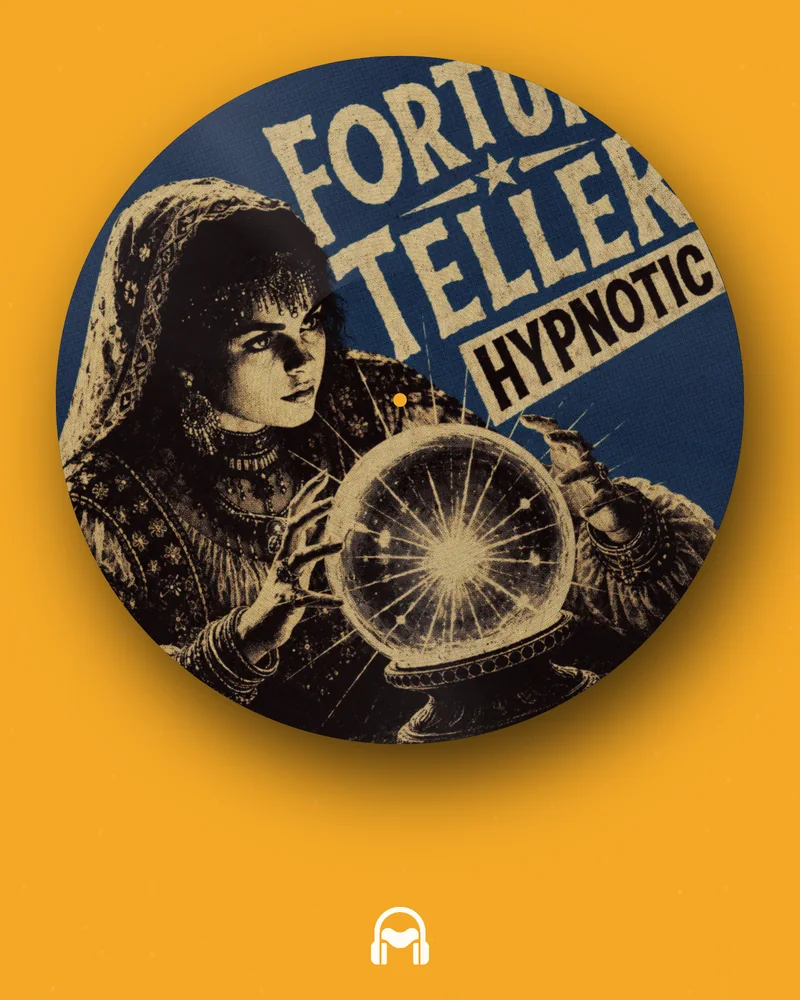
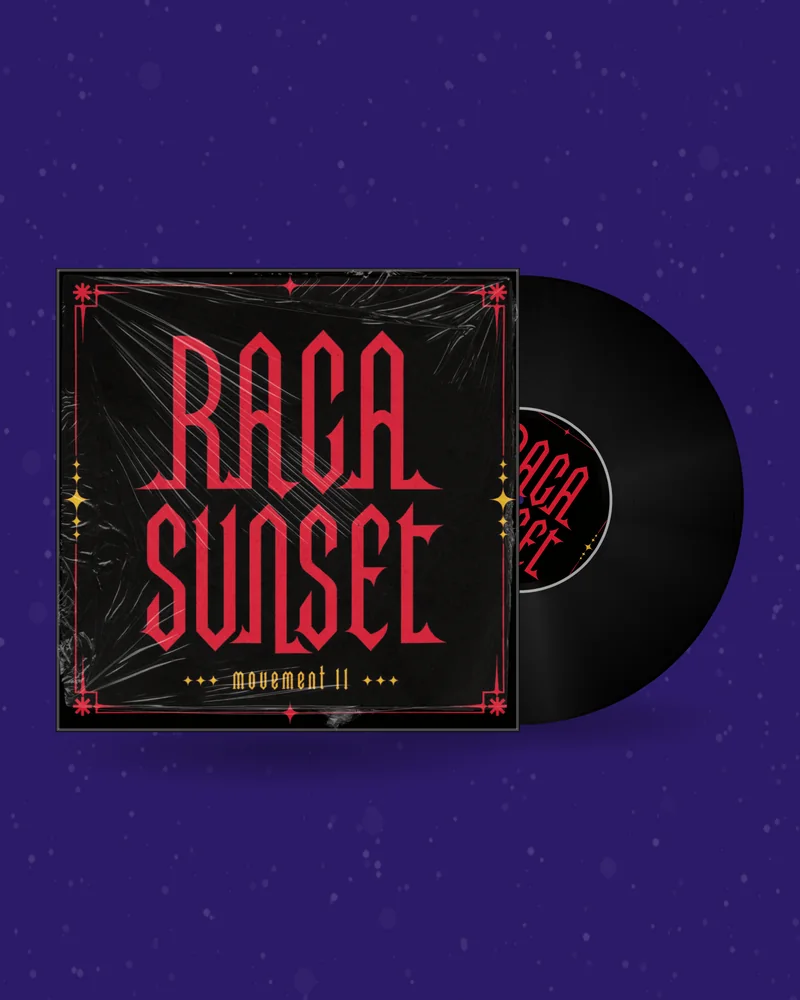
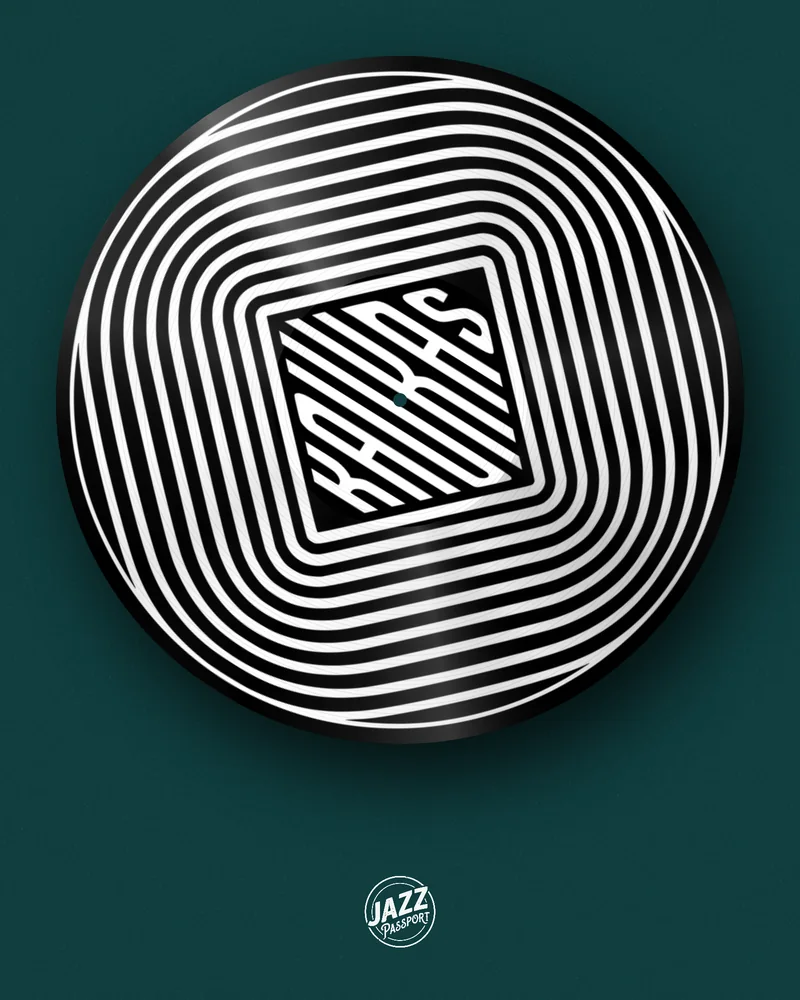
You have a square cover and a finished song, and every platform wants a video. Upload both here and the cover comes back in motion — on a spinning record, a CD, a cassette, or animated on its own — with your track underneath. It runs in the browser, the preview is free, and nothing in your artwork is redrawn.
Feeds are built for video. A square image with a link gets passed over; the same image moving, with the hook of the song under it, gets watched to the end and replayed.
That is the whole case for an album cover video maker. Instagram shows Reels to people who do not follow you, TikTok and YouTube Shorts only take video, and YouTube needs a picture for every second of audio. A musician with one square image is locked out of most of it.
The quick fix — the cover sitting still while the song plays — is technically a video, and it looks like nobody tried. The cover needs to do something: turn on a record, catch the light on a disc, wind on a tape, breathe, glitch. Then it is a music video made from album art, and it still looks exactly like your release.
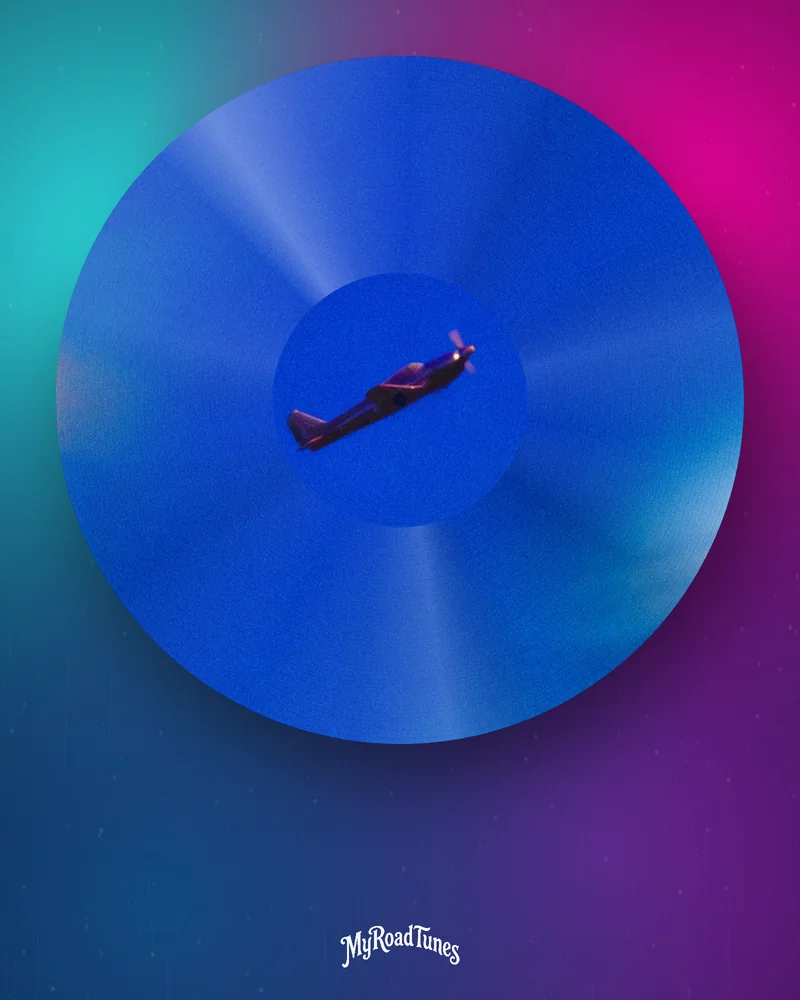
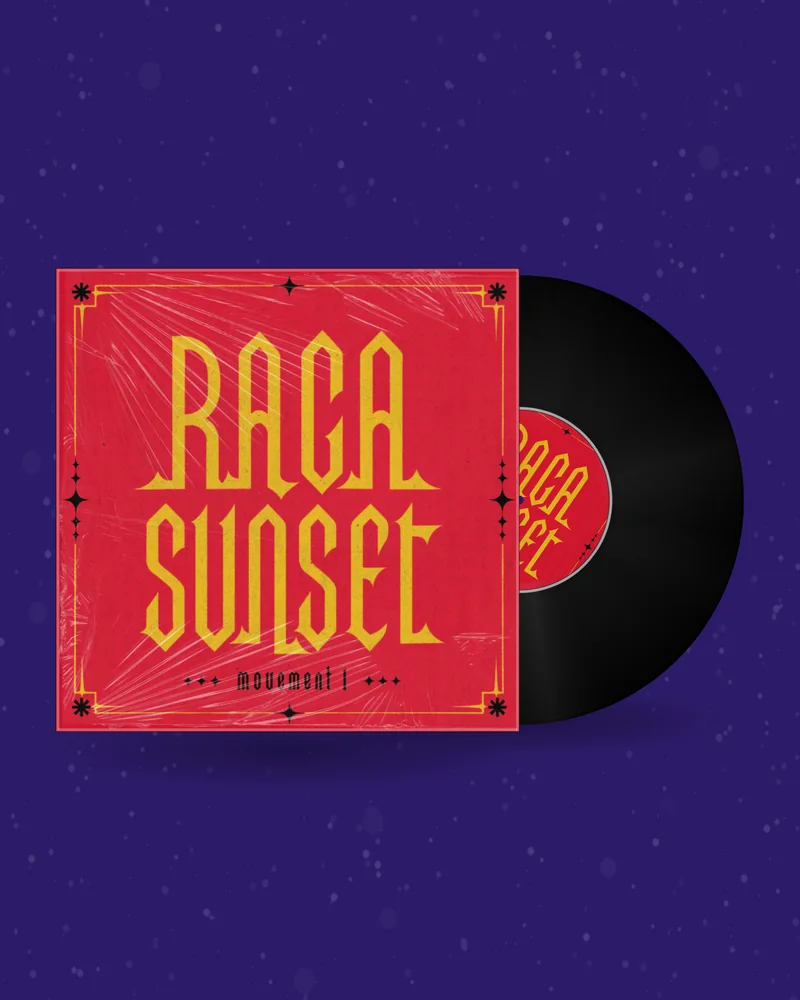
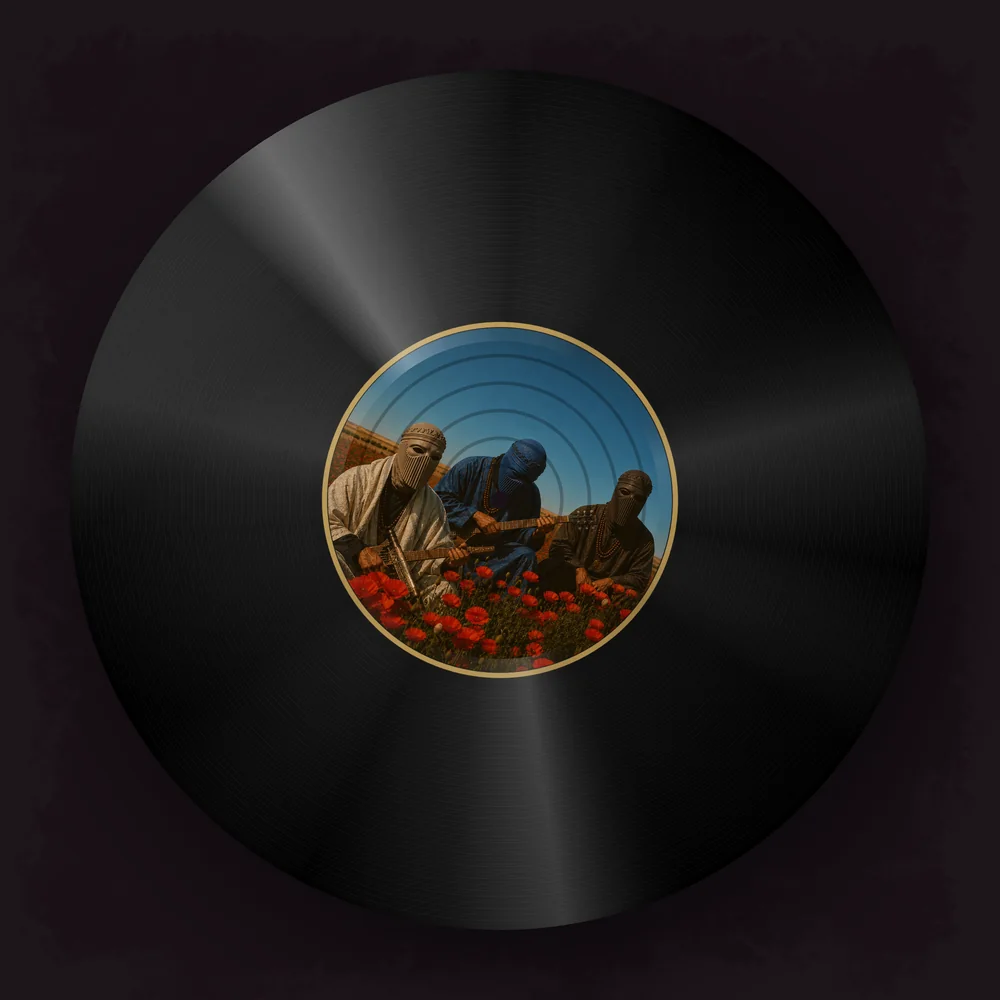
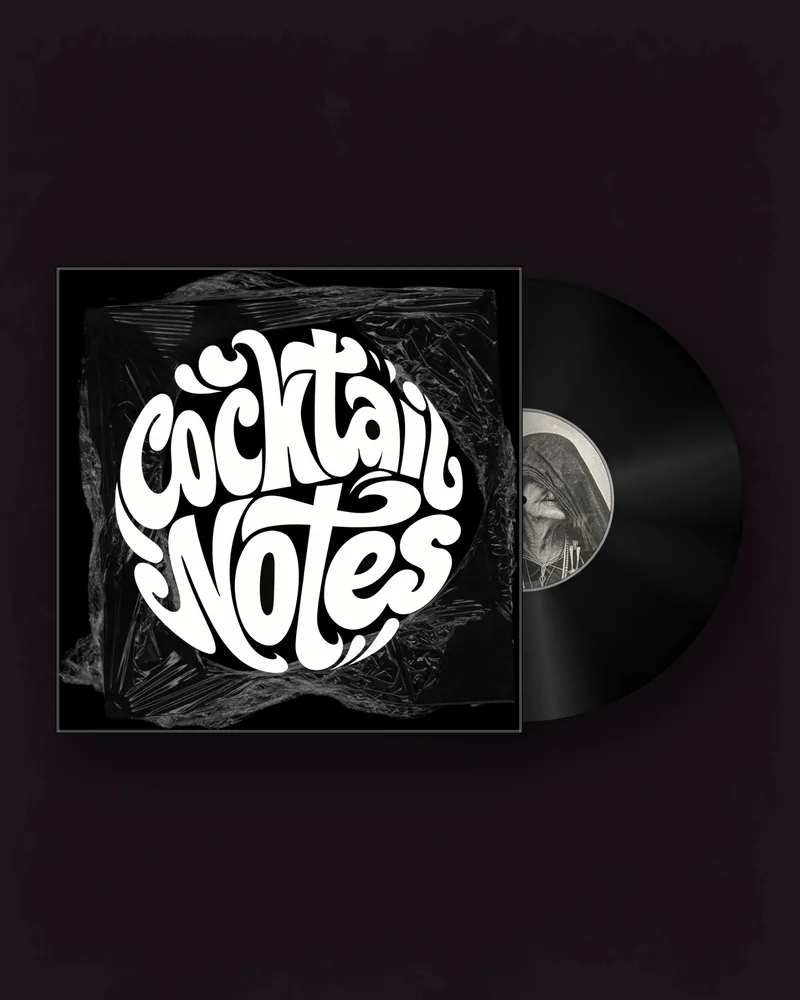
The classic. The cover becomes the sleeve and the label, the record turns, the track plays. Real pressings, a picture disc or a turntable. Open →
A disc with a rainbow shine and a jewel case. Fits pop, R&B and anything with a 2000s mood. Open →
The cover on the tape or its label, the reels turning. For lo-fi, synthwave, punk and mixtapes. Open →
The cover itself, with light, movement and grain on top, in the two sizes Apple asks for. Open →
VHS tearing, RGB split and liquid warp applied to the cover. Free with an account. Open →
The title scrolling across an old LCD, with a ringtone version of your track. Free with an account. Open →
A JPG or PNG of your release. It stays in your browser while you design.
Record, CD or tape, background, motion and a clip of your song.
MP4, GIF, Canvas or PNG in the size your platform needs. No watermark.
Start from the biggest file. A small cover turns soft the moment it is enlarged for a vertical video. Use the original, not a screenshot.
Choose fifteen to thirty seconds. Nobody previews a whole song in a feed. Pick the part that makes people want the rest.
Make it loop. Platforms replay automatically. With Perfect loop on, the last frame lands on the first and the replay is invisible.
Write for the muted viewer. Most people see the first second without sound. A title and a date on screen tell them what it is.
Keep the cover recognisable. The video should send people to the same image they will see on the streaming page.
| Where | Shape | What to export |
|---|---|---|
| Instagram feed | 1:1 or 4:5 | Vinyl, CD or cassette video |
| Reels, TikTok, YouTube Shorts | 9:16 | Any video, or a retro phone clip |
| YouTube | 16:9 | Vinyl, CD or cassette video |
| 4:3 or 1:1 | Any video | |
| Spotify | 9:16, up to 8 s | Spotify Canvas |
| Apple Music | 1:1 and 3:4 | Motion artwork |
One video here is up to 30 seconds long, which is what feeds reward. To upload audio to YouTube with an image for a full-length song, export a 16:9 clip with Perfect loop on and repeat it under the track in any video editor. The join cannot be seen, so the record simply keeps turning for the whole song.
It takes a few minutes more than a still picture and looks like a release instead of a placeholder.
Designing and previewing are free and need no account. GIFs, PNG mockups, the glitch loop and the retro phone video are free with an account. A finished vinyl, CD or cassette video needs a plan or a one-time pack; the current prices are on the pricing page. Downloads carry no watermark.
Upload the cover and the audio file, pick how the cover moves, choose the part of the song and the shape of the video, and download the MP4.
Designing and previewing are free. GIFs, mockups, the glitch loop and the retro phone video are free with an account. Vinyl, CD and cassette videos need a plan or a one-time pack.
Square, at least 1200×1200 px. The 3000×3000 px file made for distributors gives the sharpest video.
No. There is no AI repainting. Motion and effects play on top of your image, so the cover stays the one you designed.
Yes. The Apple Music motion artwork tool animates the cover itself, and the glitch maker turns it into a looping effect.
A single video is up to 30 seconds. For a full song, export a perfect loop and repeat it under the audio in a video editor.
MP3 and WAV, among others. You choose the exact clip on the waveform.
No. Free files from the glitch maker and the retro phone show the site address; any plan removes it.
No. Everything runs in the browser on a computer or a phone.