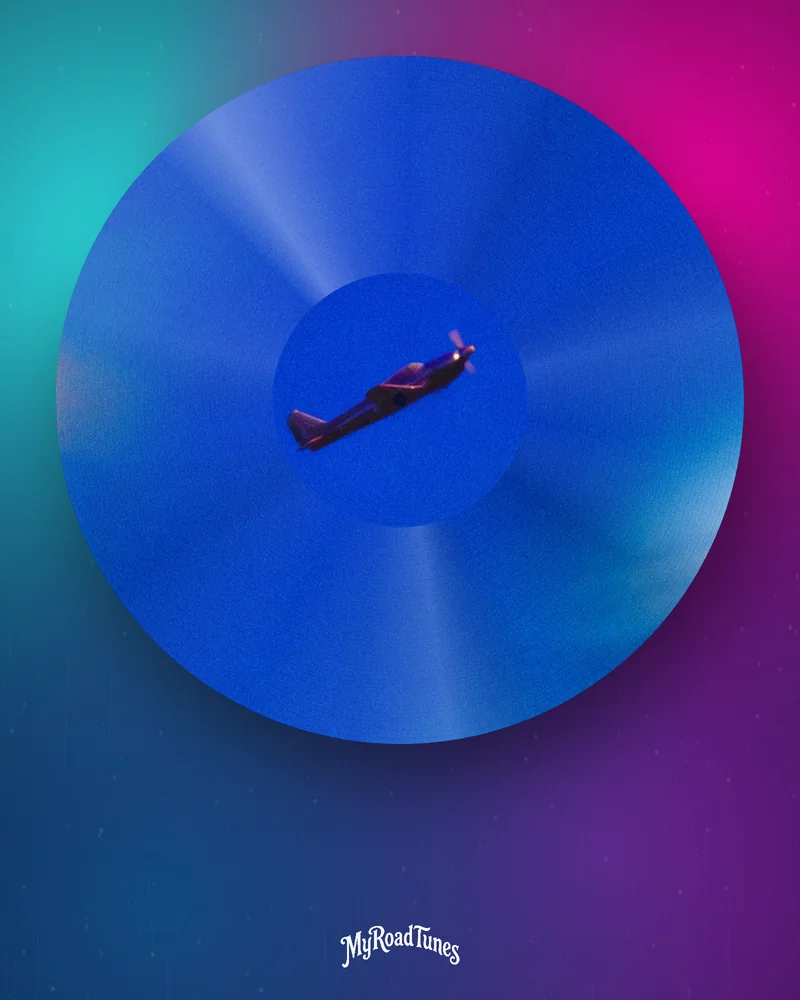
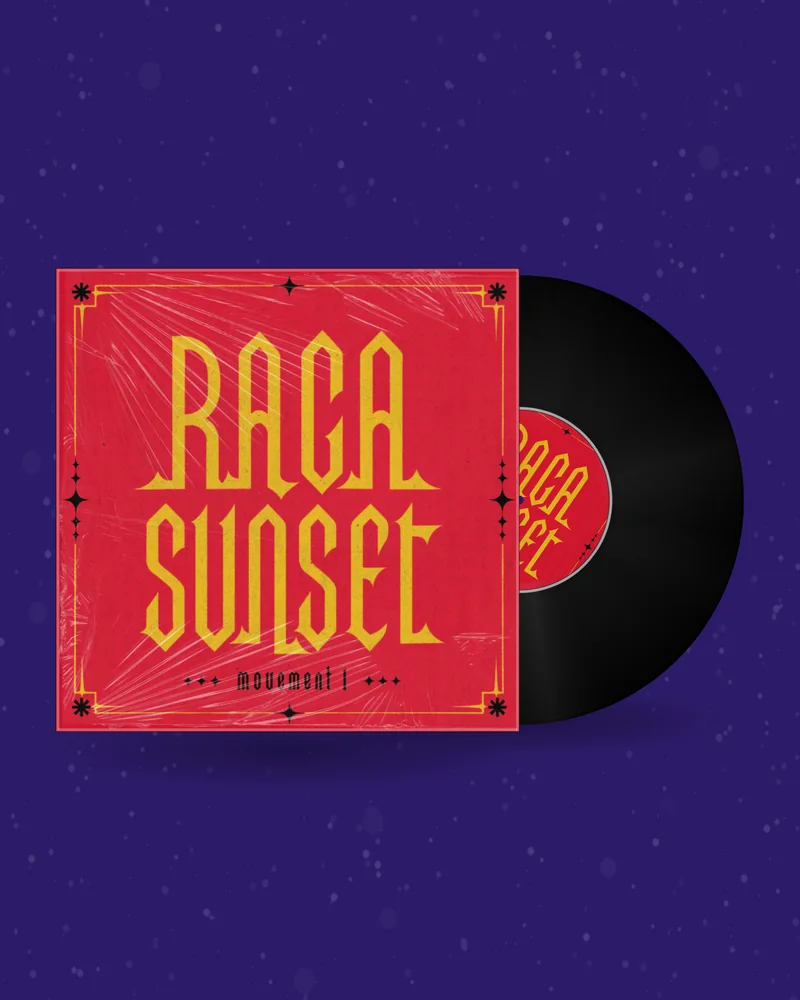

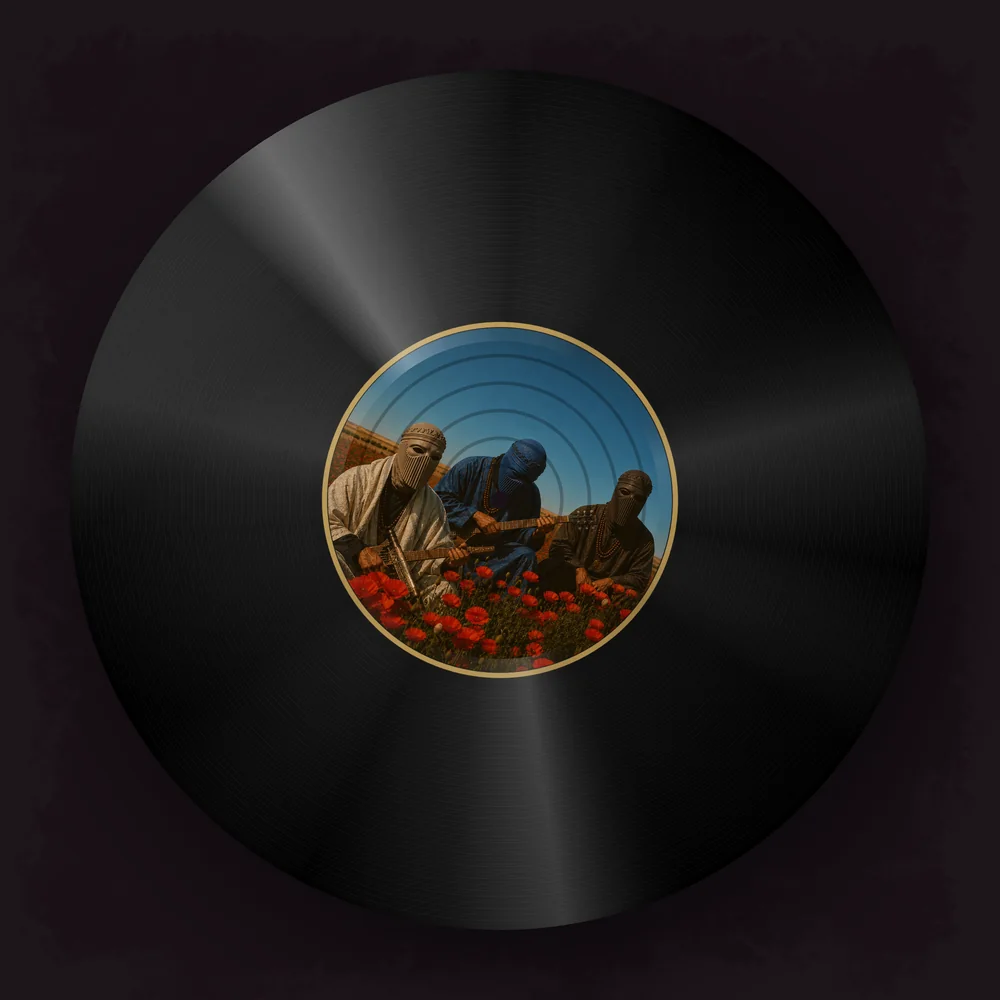
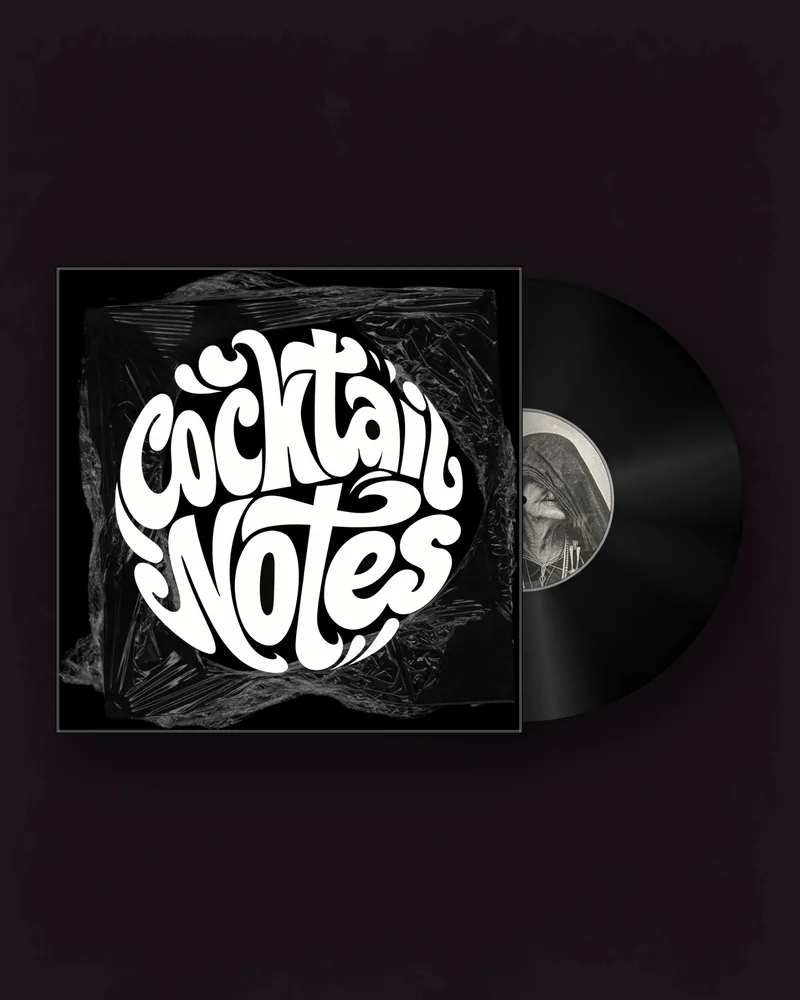
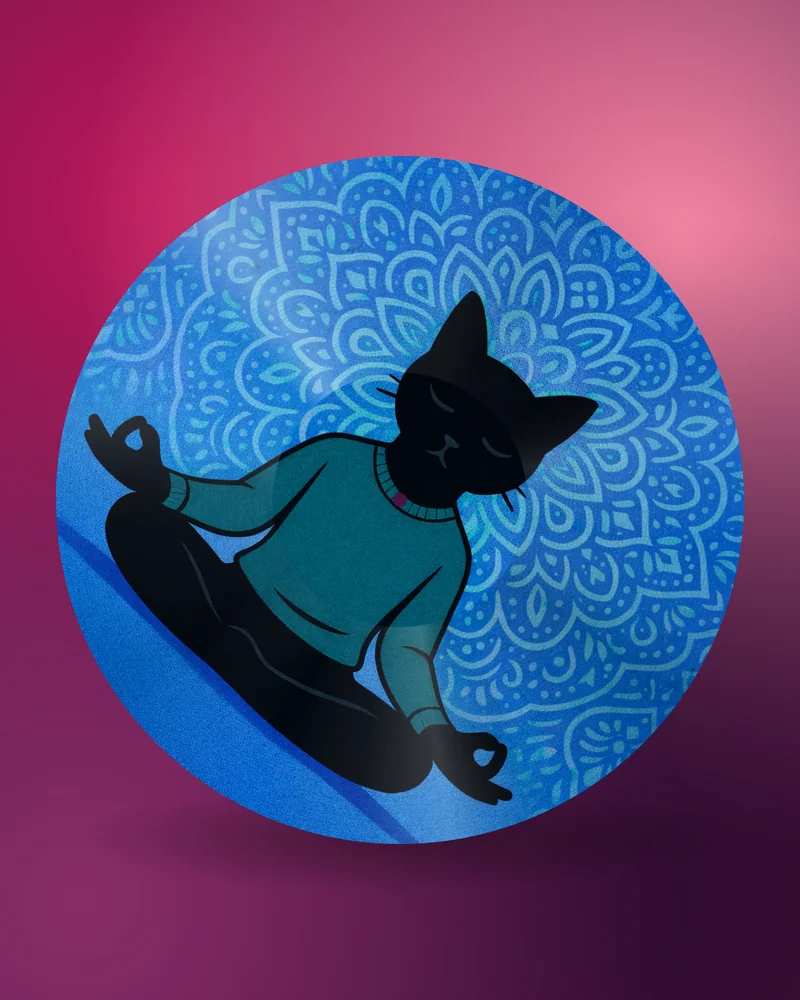
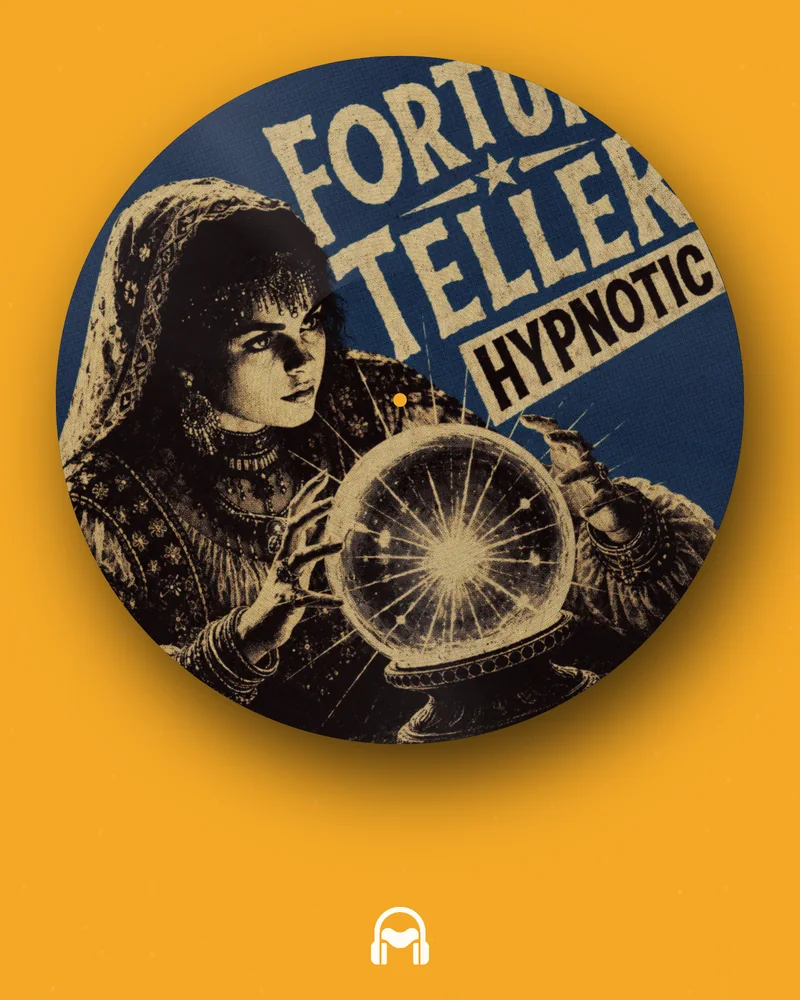
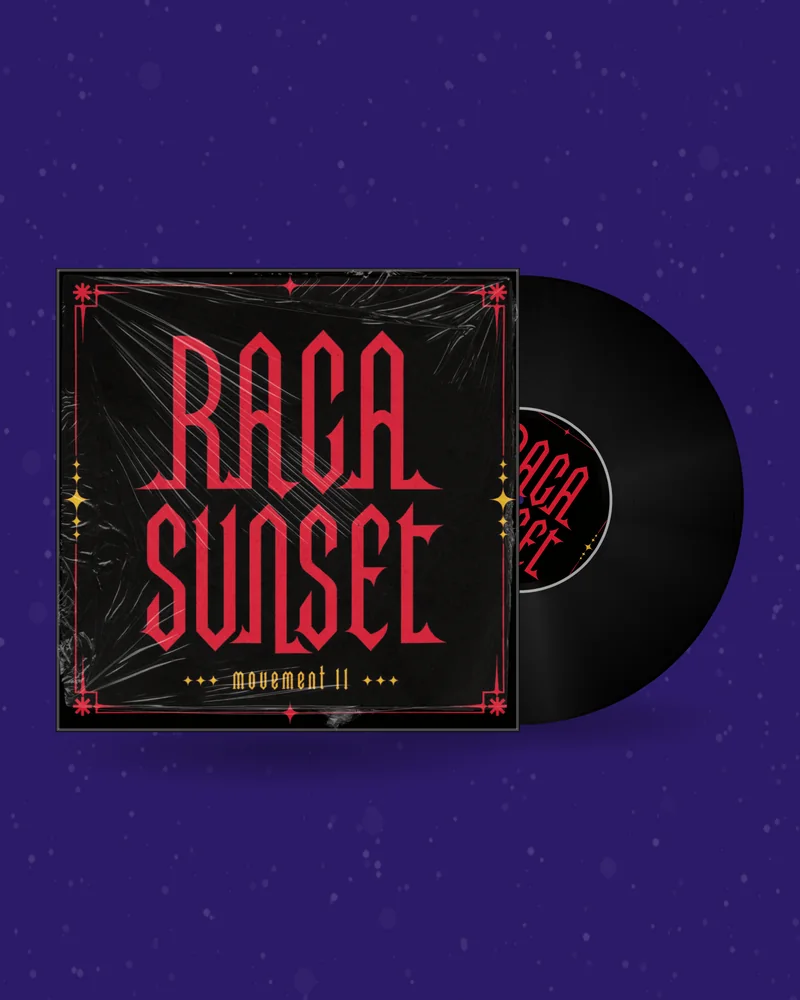
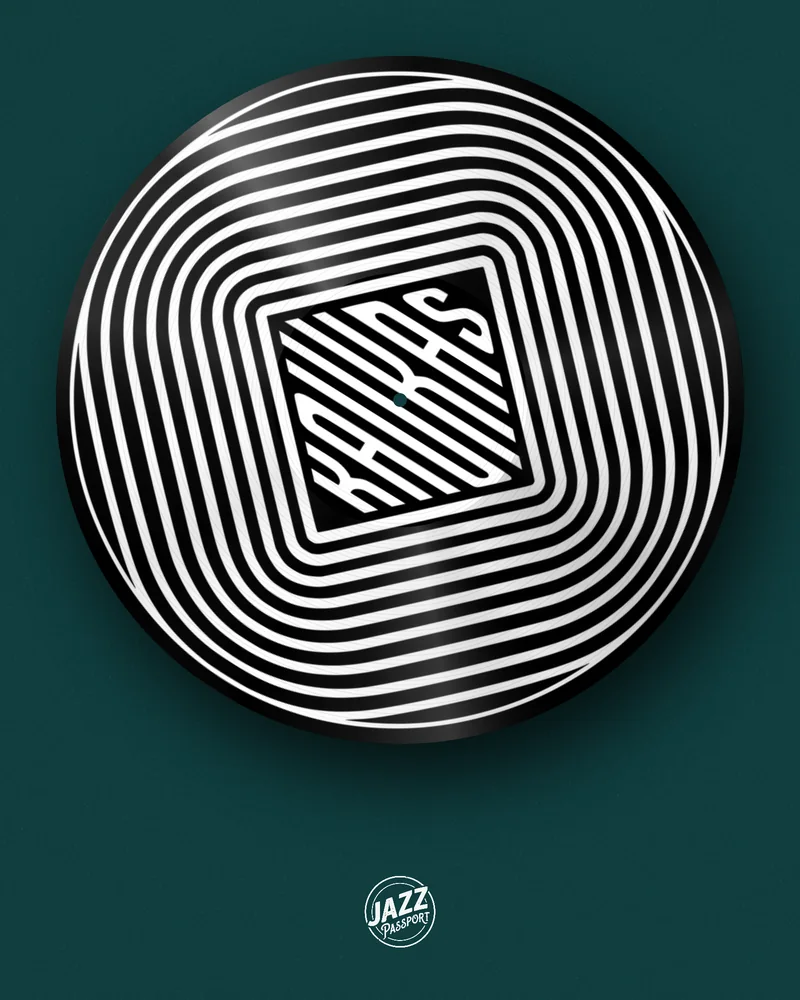
YouTube will not take a song without a picture, and a still cover looks like a placeholder. Upload the artwork and the track here and you get a visualizer: your cover on a spinning record, a CD or a cassette, in 16:9 Full HD, with the music under it. The same design also gives you a vertical Short and a thumbnail.
A visualizer is the video a song gets when there is no music video: the artwork in motion for the length of the track. Labels publish it as the “official visualizer”, and for most independent releases it is the only video there will ever be.
It sits between two extremes. An audio-only upload with a still image is quick and forgettable. A filmed music video costs money and weeks. A music visualizer for YouTube costs minutes and still gives the viewer something to watch, which matters because YouTube recommends videos people stay on.
Most visualizer makers draw bars or waves that jump with the sound. Here the picture is an object people connect with music — a record, a disc, a tape — carrying your own artwork, and an audio visualizer ring around the record can react to the bass if you want the movement tied to the track.
Export a looping 16:9 clip and repeat it under the whole song in a video editor. The record turns from the first second to the last. Open →
Change the format to 9:16 and render the hook. A Short of up to 30 seconds is the fastest way to reach people who do not know you yet. Open →
A looping record for the Community tab, the channel page or your website. Free with an account. Open →
The same record as a PNG in the wide format, ready to use as the video thumbnail. Free with an account. Open →
| Where on YouTube | Size | What to export |
|---|---|---|
| Video | 16:9, 1920×1080 | Vinyl, CD or cassette video in 16:9 |
| Shorts | 9:16, 1080×1920 | The same design in 9:16 |
| Thumbnail | 16:9, 1280×720 or larger | Mockup PNG in the wide format |
| Community post | 1:1 | Mockup PNG or GIF |
A JPG or PNG of your release. It stays in your browser while you design.
Record, CD or tape, background, motion and a clip of your song.
MP4, GIF, Canvas or PNG in the size your platform needs. No watermark.
One video made here is up to 30 seconds long. A song is three minutes, a DJ mix an hour. The loop method covers both, and it is how most record visualizers on YouTube are made anyway.
Keep the speed low for long videos. Between 6 and 12 rpm the label stays readable and the motion does not tire the eye over several minutes.
The title, always. People arrive from search and from recommendations; the artist and the song name on screen tell them they are in the right place.
Where to listen. Streaming icons in a corner answer the next question before it is asked.
A background that belongs. A flat colour, a gradient, your own photo, or the cover itself blurred behind the record so the whole frame carries the same palette.
Movement tied to the music. The visualizer ring around the record pulses with the bass: circular bars, halo, LED ring, ripple, wave, dots or spikes.
Two different things carry your music on YouTube. Your distributor delivers the release to YouTube Music, where it appears with a still cover. The visualizer is a video you upload to your own channel yourself, and the two sit side by side. Upload only music and artwork that you own or have licensed.
Designing and previewing are free and need no account. GIFs and thumbnail PNGs are free with an account. A finished visualizer video needs a plan or a one-time pack; the current prices are on the pricing page. Downloads carry no watermark.
A video that shows the artwork in motion while the song plays. It is used when there is no filmed music video, and labels often title it “official visualizer”.
Upload the cover and the track, choose a record, CD or cassette, set the format to 16:9, add titles and render. For a full song, repeat the looping clip in a video editor.
Designing and previewing are free. GIFs and PNG thumbnails are free with an account. Exporting the video needs a plan or a one-time pack.
Yes, with the loop method: export a perfect loop of up to 30 seconds and repeat it under the full audio in any video editor.
Full HD: 1920×1080 in 16:9 and 1080×1920 in 9:16.
The record turns at a steady speed. The optional visualizer ring around it reacts to the bass of your track.
Yes. Set the format to 9:16; a clip of up to 30 seconds fits a Short.
Yes. The mockup generator exports the same record as a 16:9 PNG.
No. Downloads carry no watermark.