
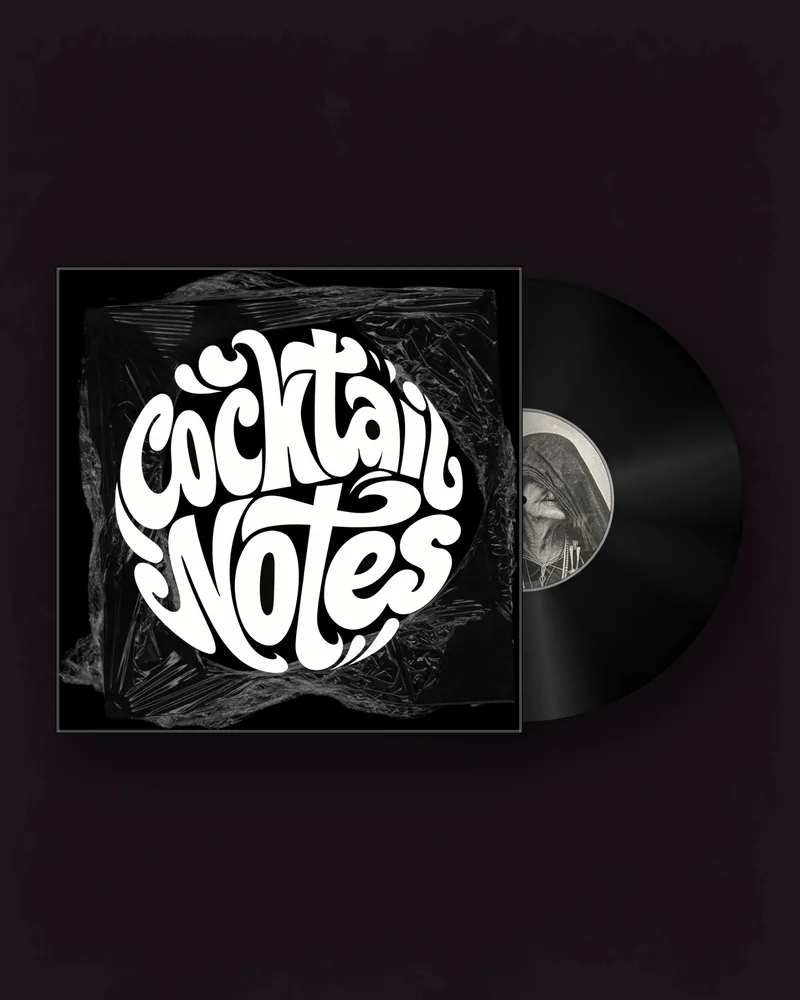
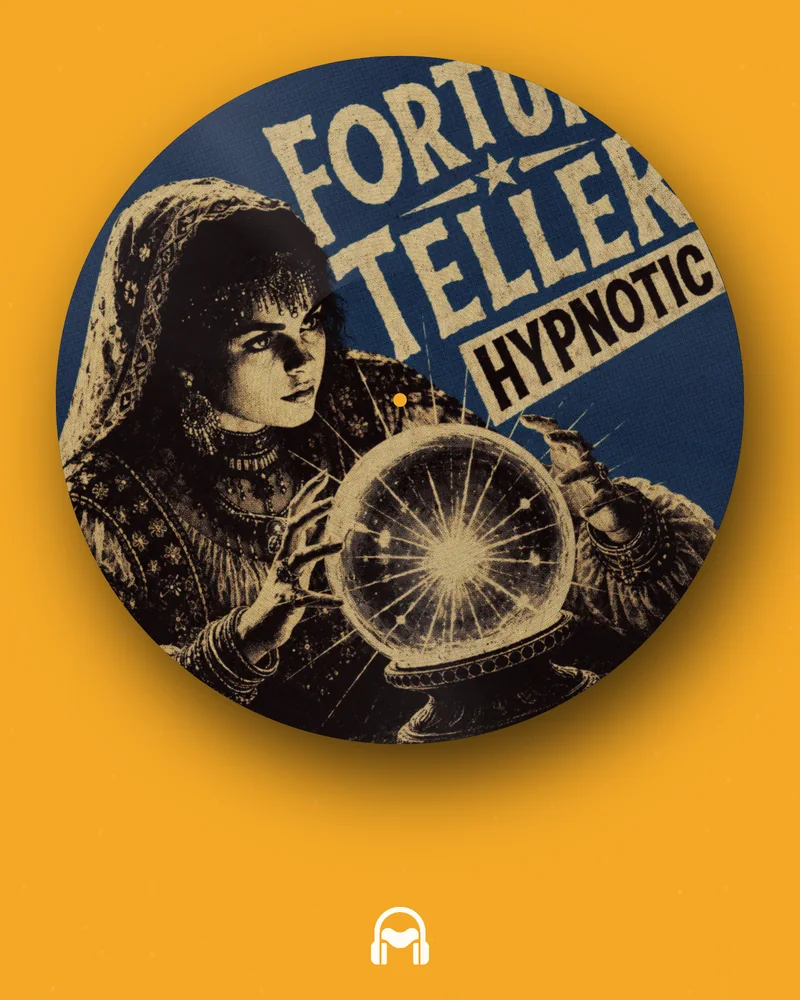
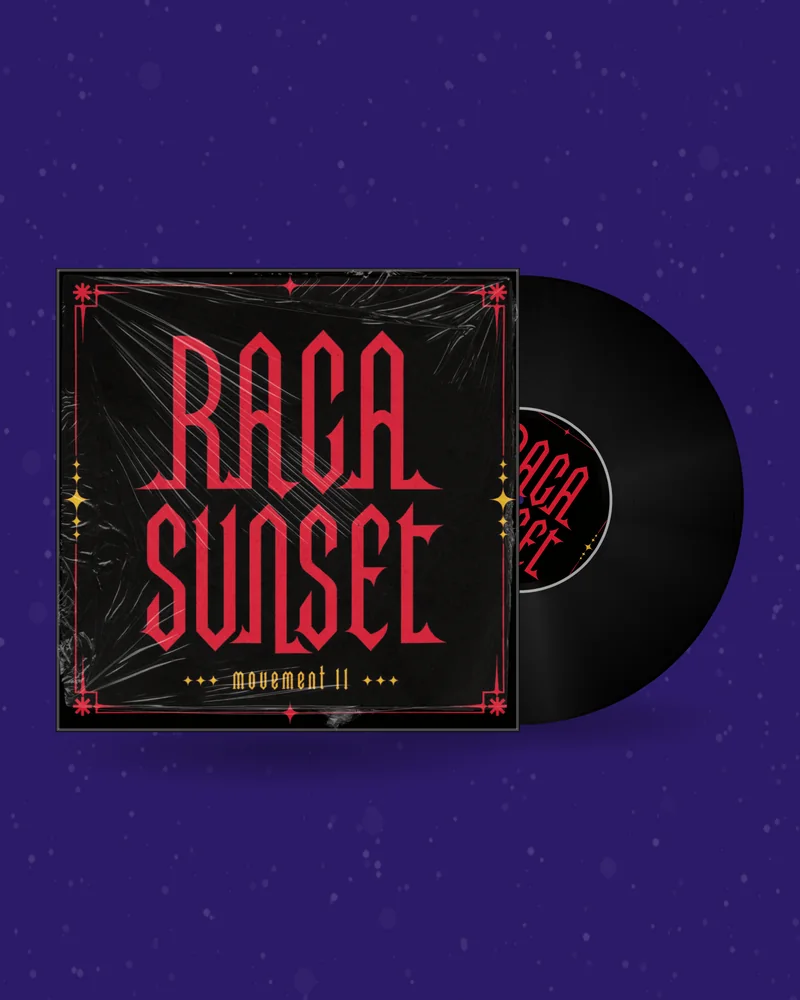
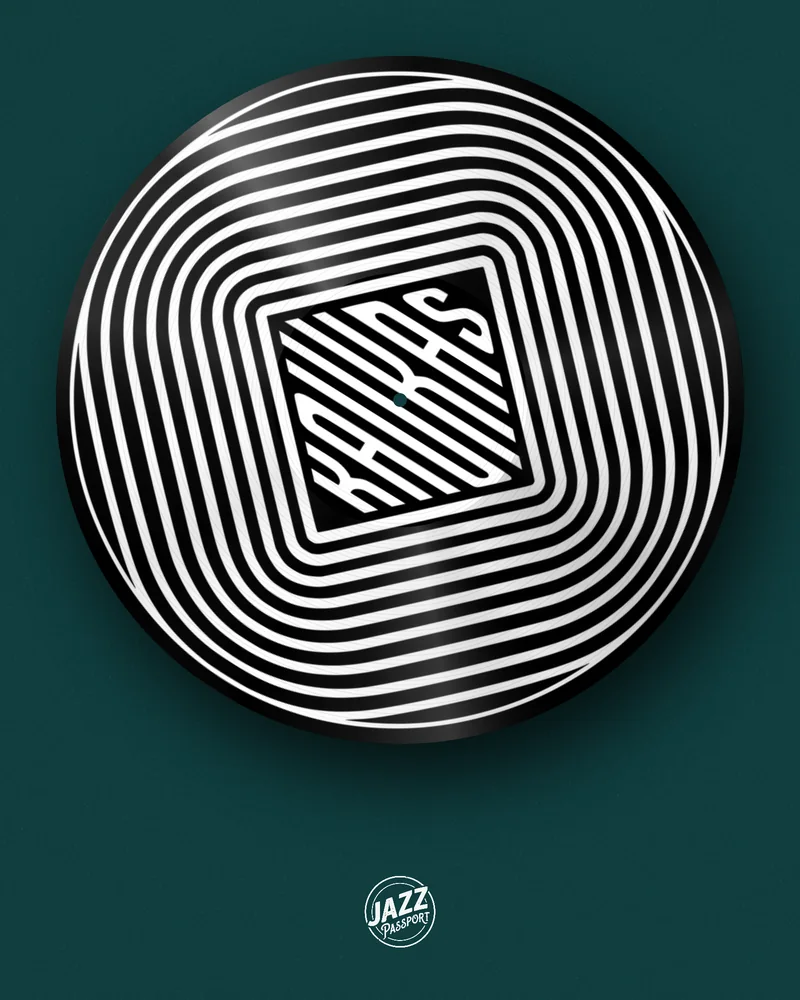
You recorded an hour-long mix. YouTube wants a video for it, SoundCloud and Mixcloud want a cover, and Instagram wants thirty seconds of the best transition. One design covers all three: a record with your mix artwork that turns for the whole set, the same record as a still cover, and a vertical teaser.
An audio file cannot be posted to YouTube, and a black screen for sixty minutes tells the viewer nobody cared. A DJ mix visualizer gives the set a face: a record that keeps turning while the music plays.
Filming the set is the other way, and it needs a camera, a room that looks good and an edit afterwards. For a mix recorded at home or exported from your software, a visual made from the artwork is faster and often looks cleaner.
It also gives every episode of a mix series the same look. Same record, same background, a new picture on the label and a new number in the title: after five uploads the channel looks like a show.
One clip made here is up to 30 seconds. That is on purpose: you export a short clip that loops perfectly and let a video editor repeat it under the whole recording.
A 16:9 record that turns under the whole set. Vinyl for house, techno and disco; a cassette when the mix is a mixtape. Open →
The same record as a 1:1 image for SoundCloud, Mixcloud and the podcast feed. Free up to 720 px, 3000 px on a plan. Open →
Change the format to 9:16, add the best transition of the set as sound and post it to Reels, TikTok and Shorts. Open →
A looping record for your website, the Discord server or the newsletter. Free with an account. Open →
| Where | Shape | What to export |
|---|---|---|
| YouTube video | 16:9, 1920×1080 | Looping vinyl or cassette video |
| SoundCloud, Mixcloud cover | 1:1 | Mockup PNG |
| Reels, TikTok, Shorts teaser | 9:16, up to 30 s | The same design with sound |
| YouTube thumbnail | 16:9 | Mockup PNG in the wide format |
A JPG or PNG of your release. It stays in your browser while you design.
Record, CD or tape, background, motion and a clip of your song.
MP4, GIF, Canvas or PNG in the size your platform needs. No watermark.
The name of the mix and the episode number. Two lines of text are enough; the viewer reads them once and then listens.
Your logo or the name of the series on the label. The label is the centre of the frame, so that is where the eye rests.
The tracklist goes in the description, not in the video. With timestamps there, YouTube turns it into chapters and people can jump to a track.
A visualizer ring, if you want movement tied to the sound. It reacts to the bass of the audio you upload with the clip, so use it on the teaser, where the sound is inside the clip.
A visual does not change who owns the music. A mix with other artists’ tracks can be claimed or blocked on YouTube whatever the picture shows, while platforms built for mixes handle the licensing differently. Check the rules of the platform before you upload, and use artwork that is yours.
Designing and previewing are free and need no account. The square cover (up to 720 px) and the GIF are free with an account. The looping video and the teaser with sound need a plan or a one-time pack; the current prices are on the pricing page. Downloads carry no watermark.
Export a short looping clip of a spinning record in 16:9 and repeat it under the full recording in a video editor, then upload the result.
No. One clip is up to 30 seconds; the perfect loop is made to be repeated for any length.
Designing and previewing are free, and so are the cover image and the GIF with an account. The video needs a plan or a one-time pack.
Any editor that can place a clip on a timeline and copy it. Free ones are enough.
Yes. The cassette maker gives the mix a mixtape look, with turning reels and your artwork on the tape.
Put it in the description with timestamps. The video can carry the title of the mix and the episode number as text.
Square. The mockup generator exports up to 720 px for free and up to 3000 px on a plan.
No. Downloads carry no watermark.