
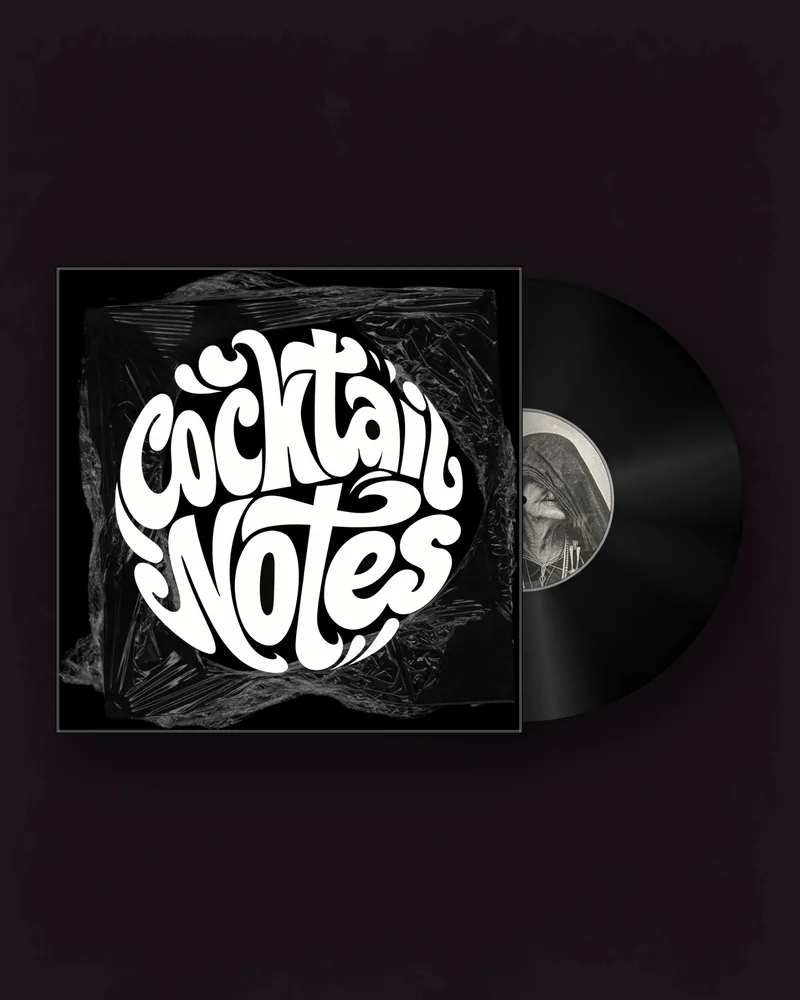
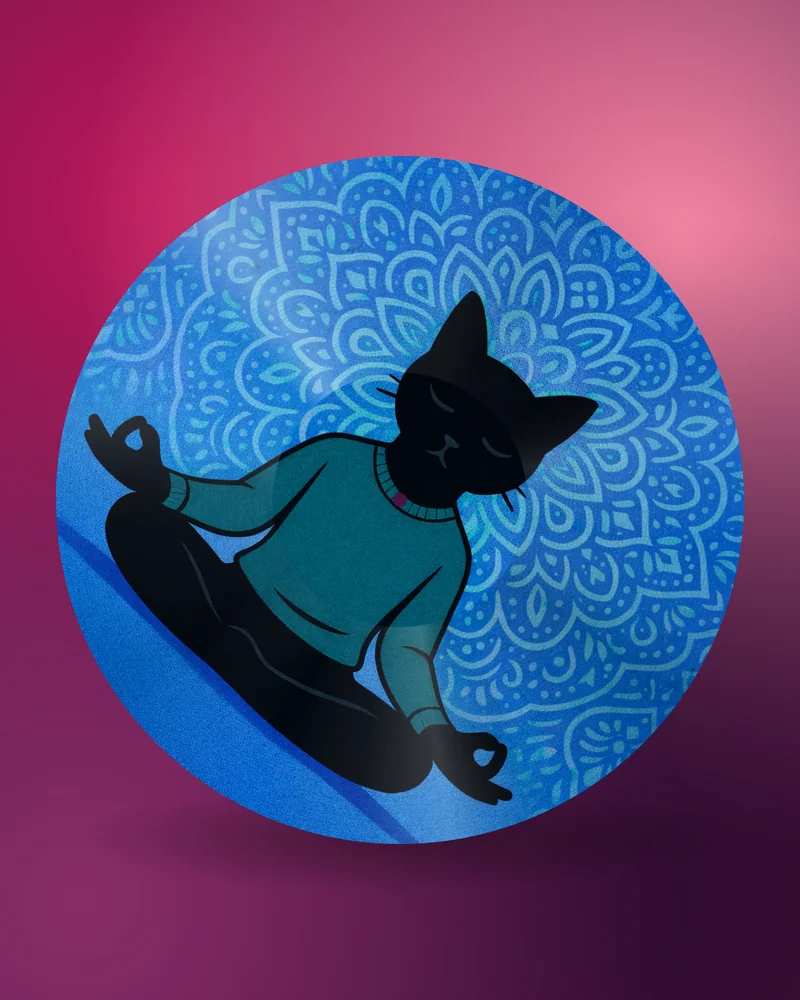
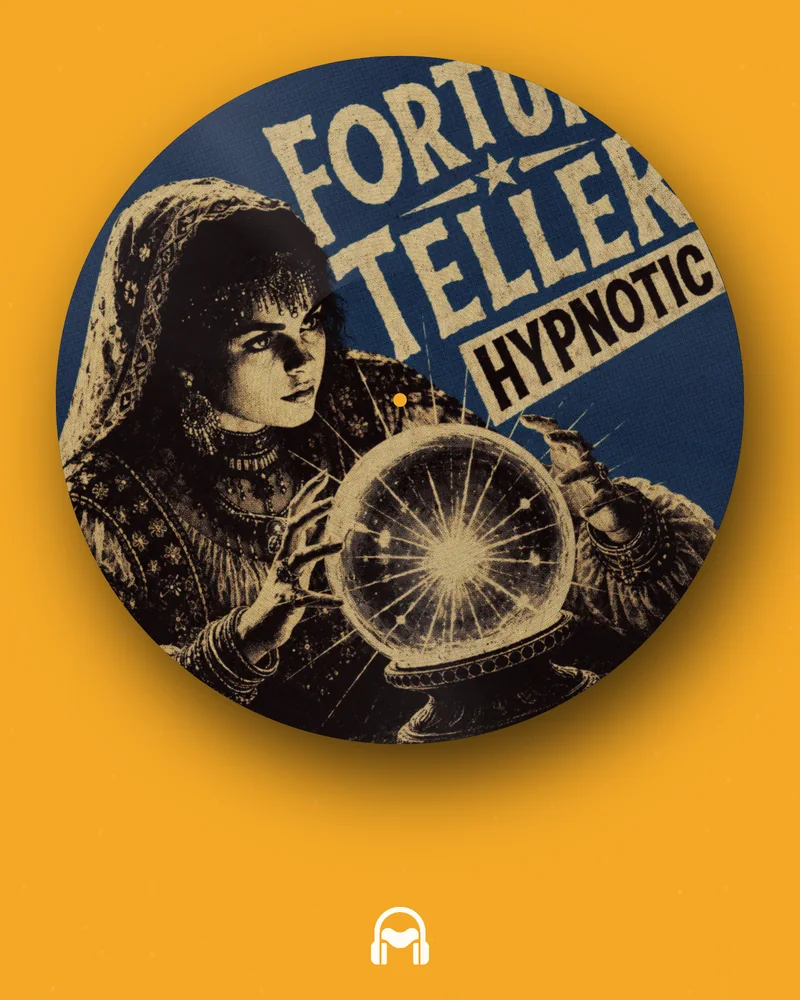
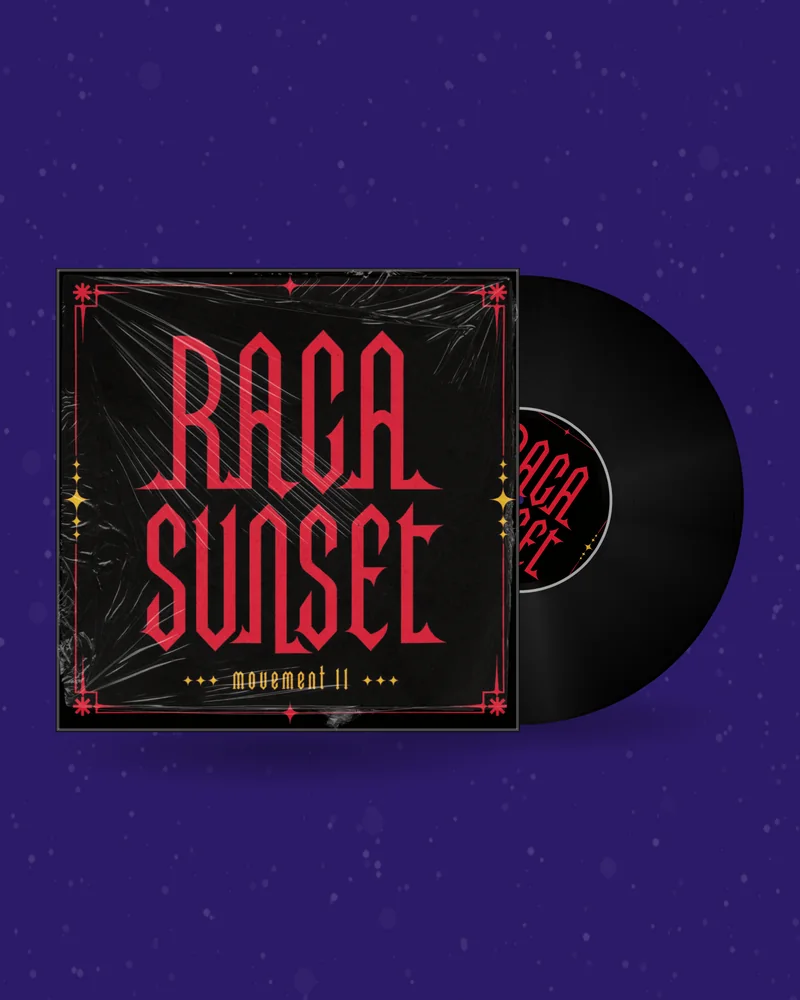
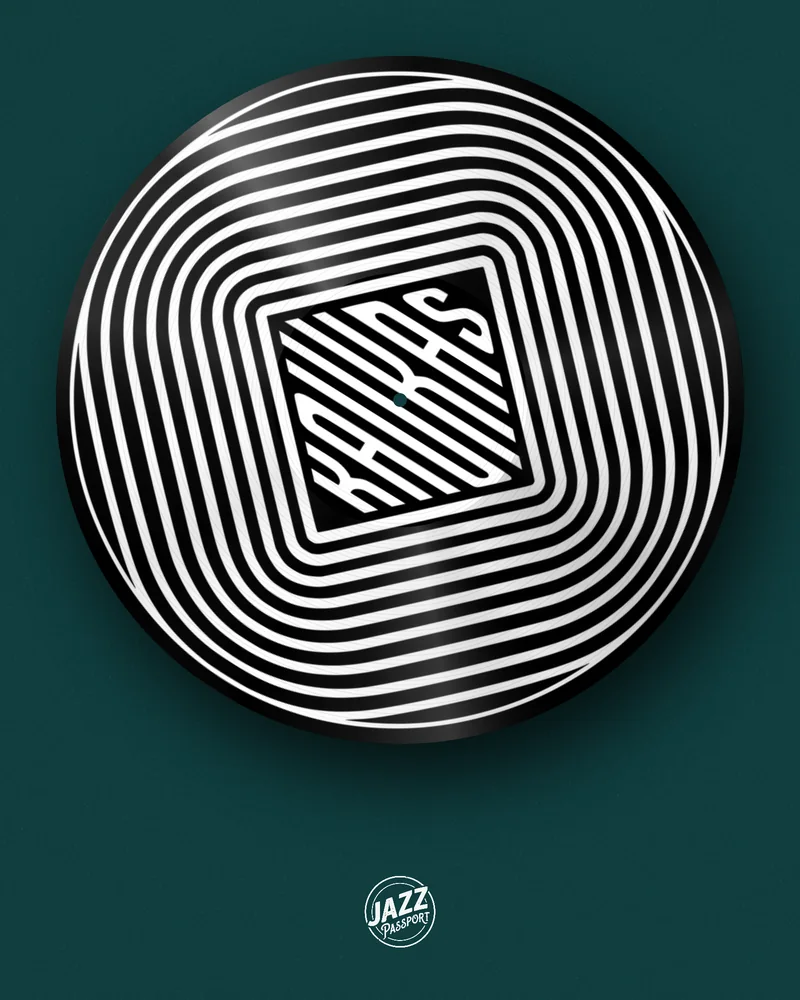
Every platform asks for video, and not every musician wants to stand in front of a camera. A promo video does not need your face: it needs the artwork, fifteen seconds of the song and something moving. Upload the cover and the track, and make the teaser, the release day post, the Spotify Canvas and the YouTube visualizer from the same design.
A promo video has one job: to make someone who is scrolling stop for long enough to hear the hook. A face can do that. So can a record that turns, a tape that winds, or a cover that comes to life.
Plenty of artists do not want to perform for a phone, and plenty of music does not suit it — instrumental, electronic, anything where the person is not the point. A video made from the artwork promotes the release instead of the personality, and it can be made on a weeknight without a ring light.
It also stays consistent. The same cover appears in the teaser, on release day, on Spotify and on YouTube, so by the third post people recognise the release before they read a word.
Fifteen to thirty seconds. Long enough for the hook to land, short enough to be watched to the end, and the end is what the feeds count.
Start on the best part, not on the intro. Make the video loop, so that a replay is not a jump. And put the title on screen, because most people meet the video with the sound off.
| When | What to post | Made with |
|---|---|---|
| Two weeks before | A teaser that shows the artwork and hides the song | Glitch loop or retro phone clip |
| One week before | The announcement with the date and the pre-save link | Mockup PNG |
| Release day | The hook, with the record turning and “out now” on screen | Vinyl, CD or cassette video |
| Release day, on Spotify | The loop that plays behind the track | Spotify Canvas |
| The week after | The full song on your channel | A looping 16:9 video, repeated in an editor |
| All along | A moving record on the website and in the newsletter | Record GIF |
A 9:16 Reel reaches people who do not follow you; a 4:5 or 1:1 post stays on your profile. Export the same design in both shapes. Open →
Fifteen seconds of the hook, vertical. The retro phone clip is free and built for exactly this. Open →
A 9:16 Short for discovery, and a 16:9 visualizer so the song has a home on your channel. Open →
An eight-second vertical loop behind the track. It is seen by people who are already listening, so it only has to look good. Open →
A JPG or PNG of your release. It stays in your browser while you design.
Record, CD or tape, background, motion and a clip of your song.
MP4, GIF, Canvas or PNG in the size your platform needs. No watermark.
Designing and previewing are free and need no account. The GIF, the mockup PNG, the retro phone clip and the glitch loop are free with an account. The record video with your song and the Spotify Canvas need a plan or a one-time pack; the current prices are on the pricing page. Downloads carry no watermark.
Upload the cover and the track, choose what moves, pick fifteen to thirty seconds of the song, add the title and export in the shape of the platform.
The retro phone clip and the glitch loop are free videos with an account, and so are GIFs and mockups. The record video with sound needs a plan or a one-time pack.
Fifteen to thirty seconds, starting on the hook and looping cleanly.
Yes. Every video here is made from the artwork: a record, a CD, a cassette, an animated cover or a phone screen.
9:16 for Reels, TikTok and Shorts; 1:1 or 4:5 for the Instagram feed; 16:9 for YouTube.
No. Only a full-length YouTube video needs an editor, to repeat the loop under the whole song.
Yes. Commercial use is allowed, as long as you own the music and the artwork or have a licence for them.
No tool can promise that. A video gives the song a chance to be heard; the song does the rest.