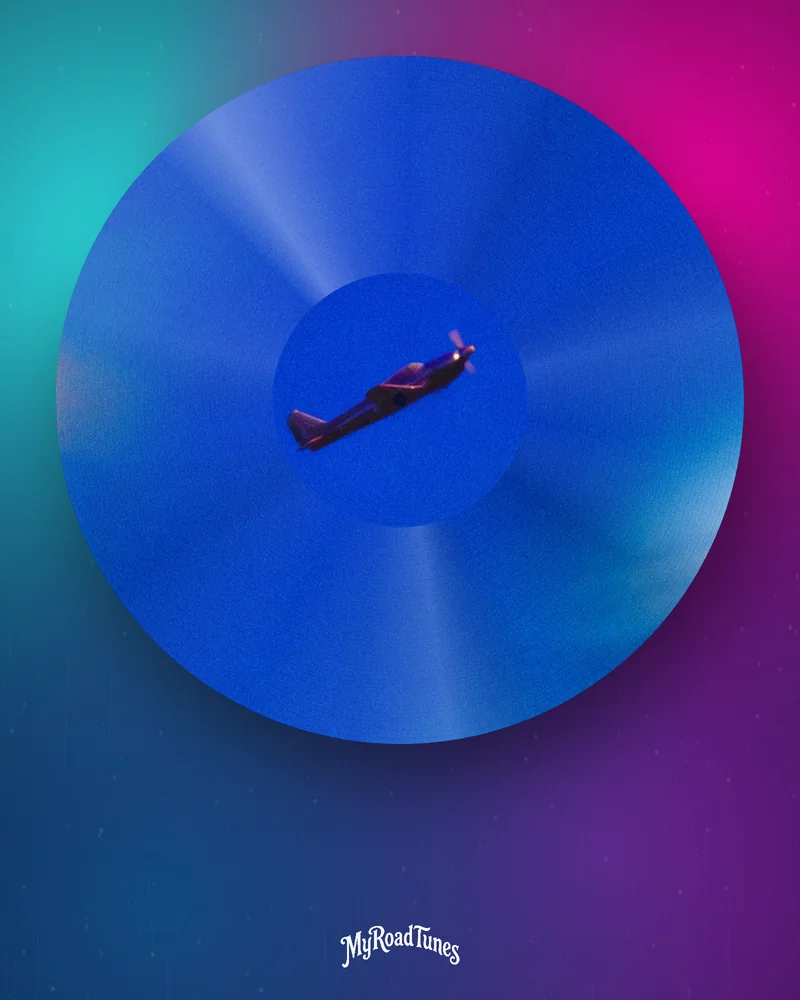
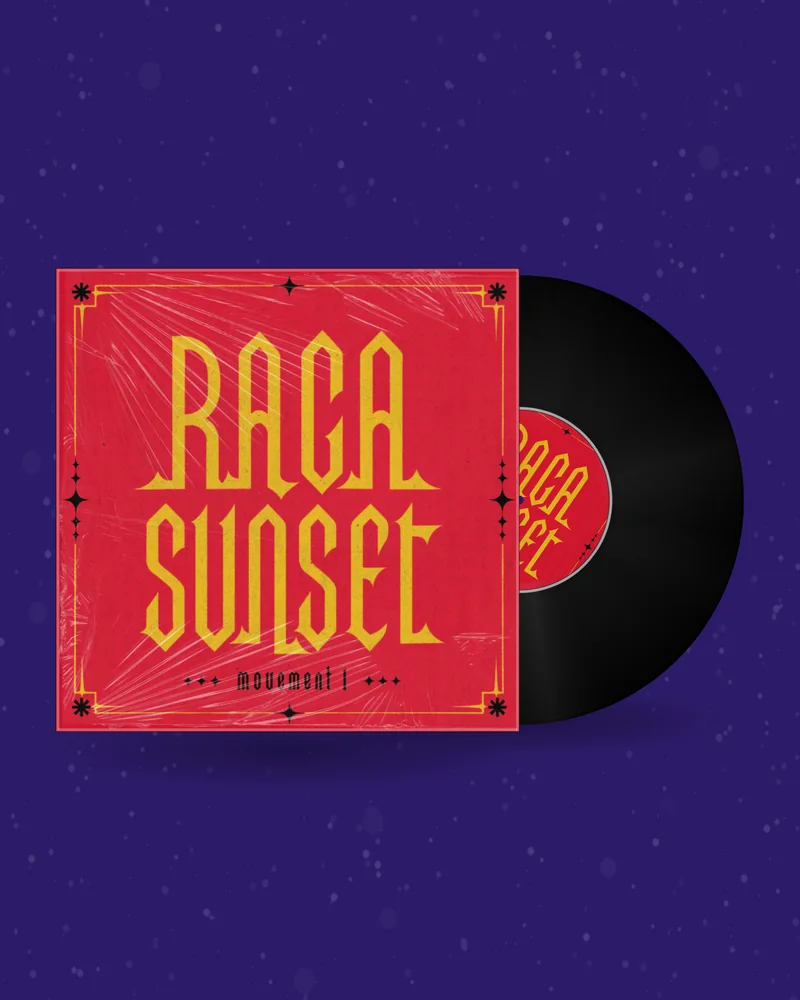

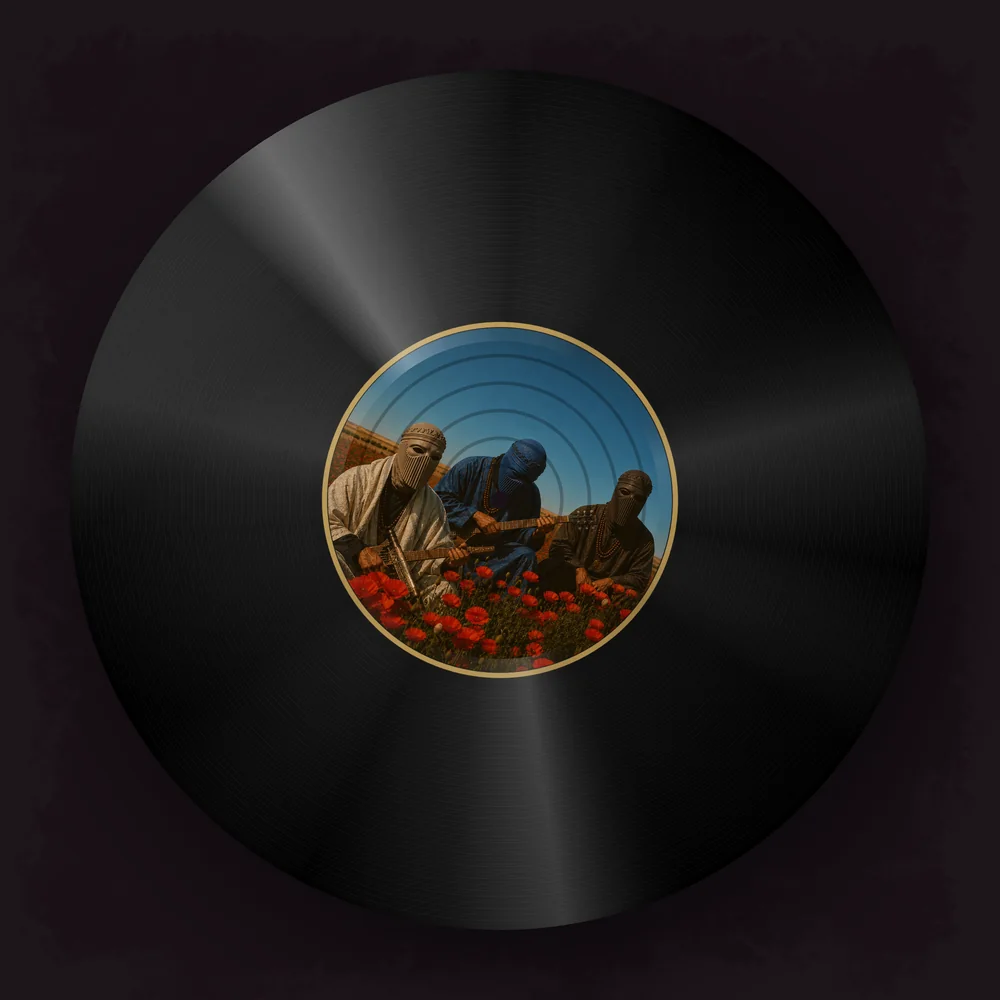
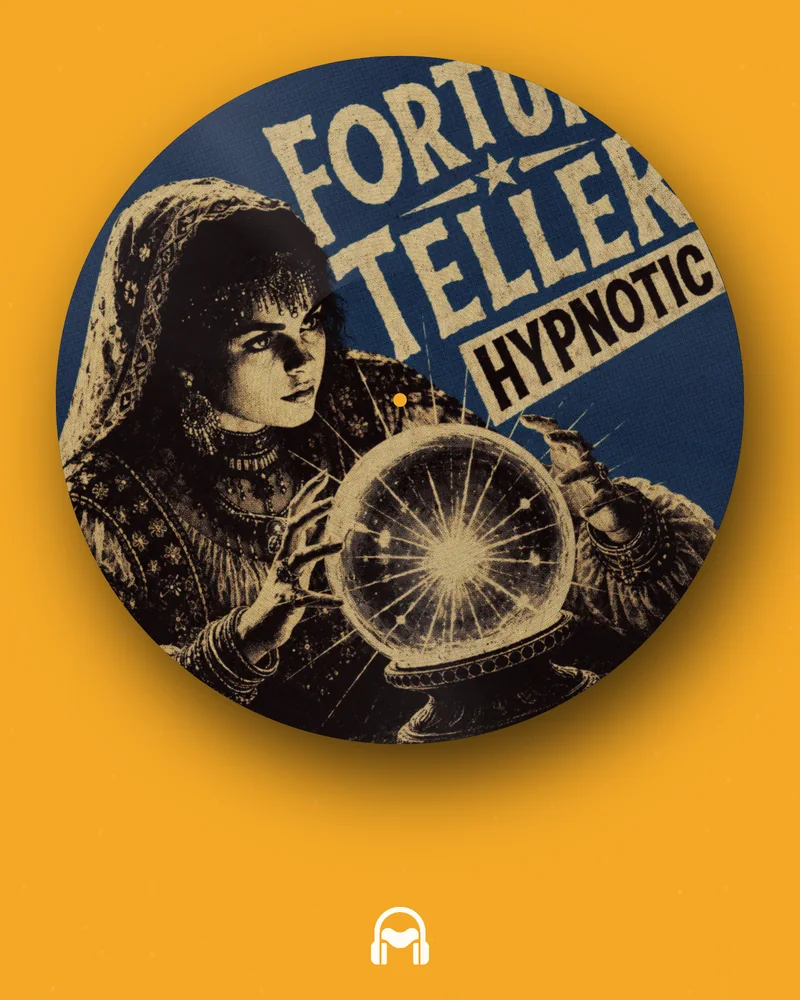
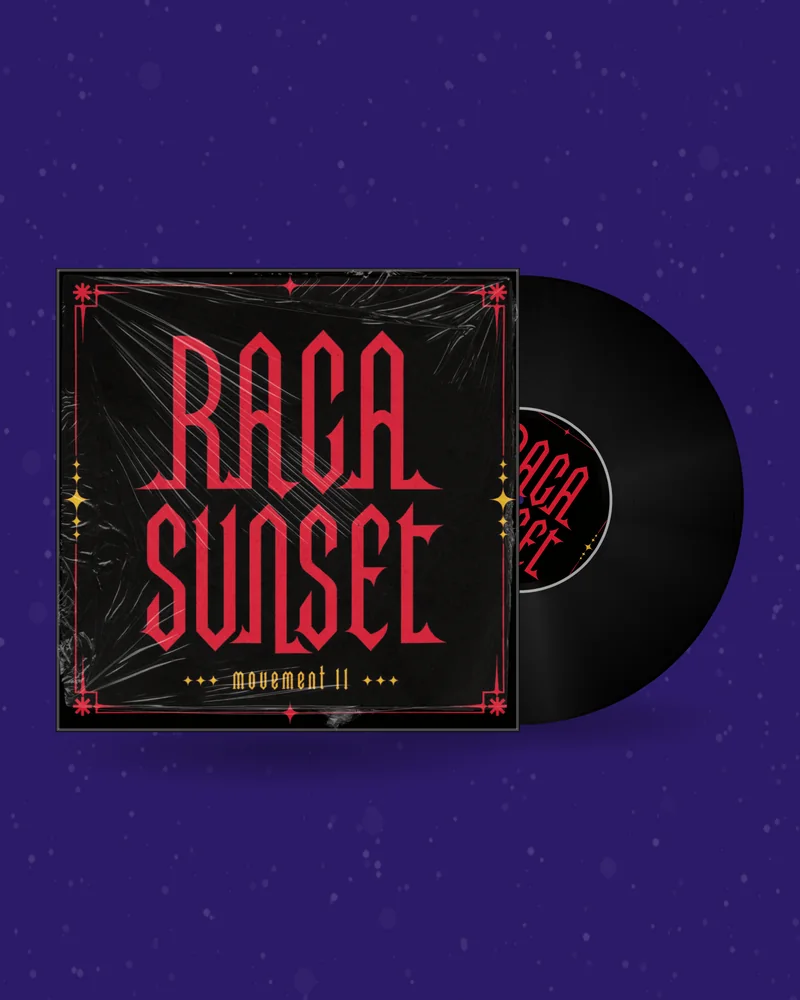
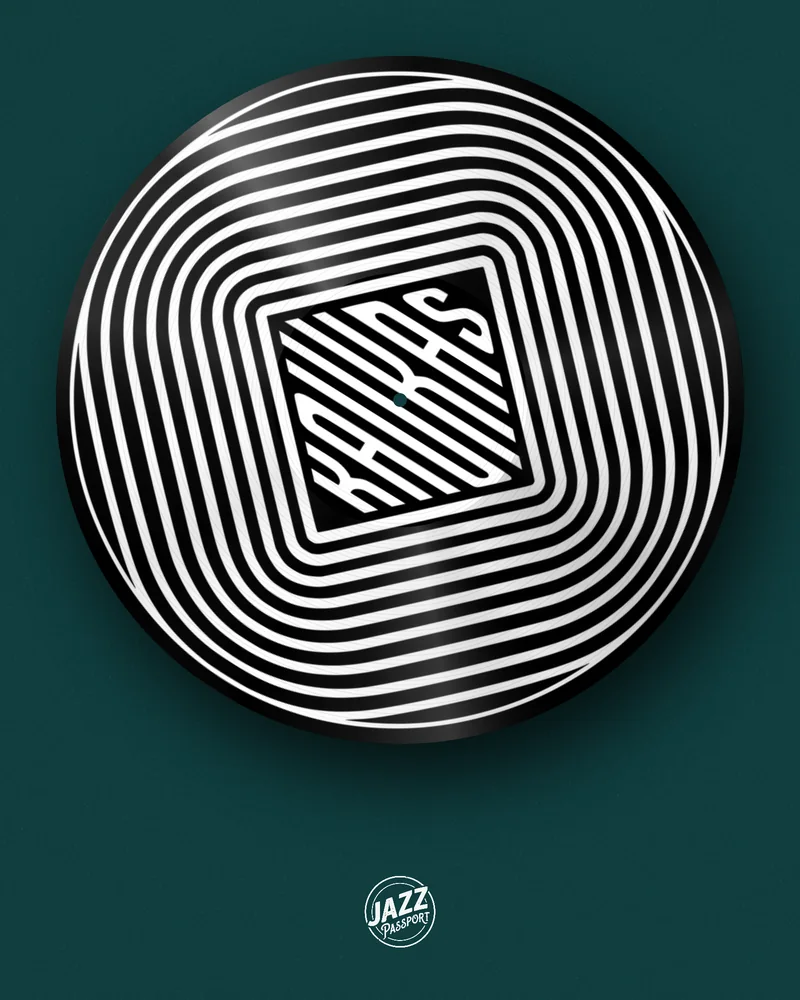
Put your mix, your next ID or your label’s release on a spinning record. Upload the artwork, choose the pressing and the speed, add a clip of the track — and download a DJ vinyl animation as a video, a looping GIF or a still PNG. It all happens in your browser, and the preview is free.
A feed is watched with the sound off. A turning record is the one picture everybody reads as music — and as a DJ’s music in particular — in the first second.
That is why DJ visuals keep coming back to vinyl: the mix announcement, the radio show teaser, the unreleased ID, the label’s release day post. The usual ways to get one are slow. A stock DJ animation video has somebody else’s label on the record. An After Effects template has to be opened, relinked and rendered for every release. A screen recording of a real deck shows your hands, your room and the dust.
Here the record is drawn for you, with your own artwork on the label or across the whole disc, and it is ready in the time it takes to upload a cover.
Take the best half minute of the set, put the show artwork on the label and post it the day the mix goes up. Next episode: swap the picture and the clip, keep the look.
A white or plain label, no title, the drop underneath. A spinning dubplate tells people it is unreleased without a word of caption.
Keep the same pressing, background and speed for every single and EP, and change only the artwork. The feed starts to look like a label, not a pile of posts.
Export the record as a PNG — with a transparent background on a plan — and drop it into the flyer, the banner or the event page.
The record is half the frame. The rest decides whether it looks like your release or like a template.
If the disc should be a CD or a tape instead, the same editor makes a spinning CD video and a cassette or VHS video.
A JPG or PNG of your release. It stays in your browser while you design.
Record, CD or tape, background, motion and a clip of your song.
MP4, GIF, Canvas or PNG in the size your platform needs. No watermark.
A vinyl DJ video (MP4) is the one for Instagram, TikTok, YouTube and Facebook, because it carries the sound. It exports in Full HD in five shapes: 1:1 and 4:5 for the feed, 9:16 for Reels, TikTok and Shorts, 16:9 for YouTube and 4:3 for Facebook. Make it in the vinyl video maker.
A DJ vinyl GIF is silent and loops by itself, so it works where a video will not: a website header, an email signature, a Discord or Telegram channel, a press kit. It is free with an account in the vinyl GIF maker.
A DJ vinyl PNG is a still record for flyers, covers and banners. The vinyl mockup generator makes it free; a plan adds sizes up to 3000 px and a transparent background.
A Canvas is the eight-second vertical loop Spotify plays behind your track. The Spotify Canvas maker builds it from the same record.
One video is up to 30 seconds long — the length feeds reward. For an hour-long mix on YouTube, export a 16:9 animation with Perfect loop switched on and repeat it under the mix in any video editor. Because the last frame matches the first, the record keeps turning with no visible jump, however long the set is.
Keep the speed low for long videos. Real records turn at 33⅓ or 45 rpm, but on a screen that looks frantic; between 6 and 12 rpm the label stays readable for the whole mix.
Designing and previewing cost nothing and need no account. GIFs and mockups are free with an account; finished videos need a plan or a one-time pack — the current prices are on the pricing page.
A short video or GIF of a record turning, with your own artwork on it. DJs, producers and labels post it to announce a mix, tease an unreleased track or mark a release day, usually with a clip of the music underneath.
Designing and previewing are free with no account. GIFs and PNG mockups are free once you have an account. Exporting the MP4 video needs a plan or a one-time pack; prices are on the pricing page.
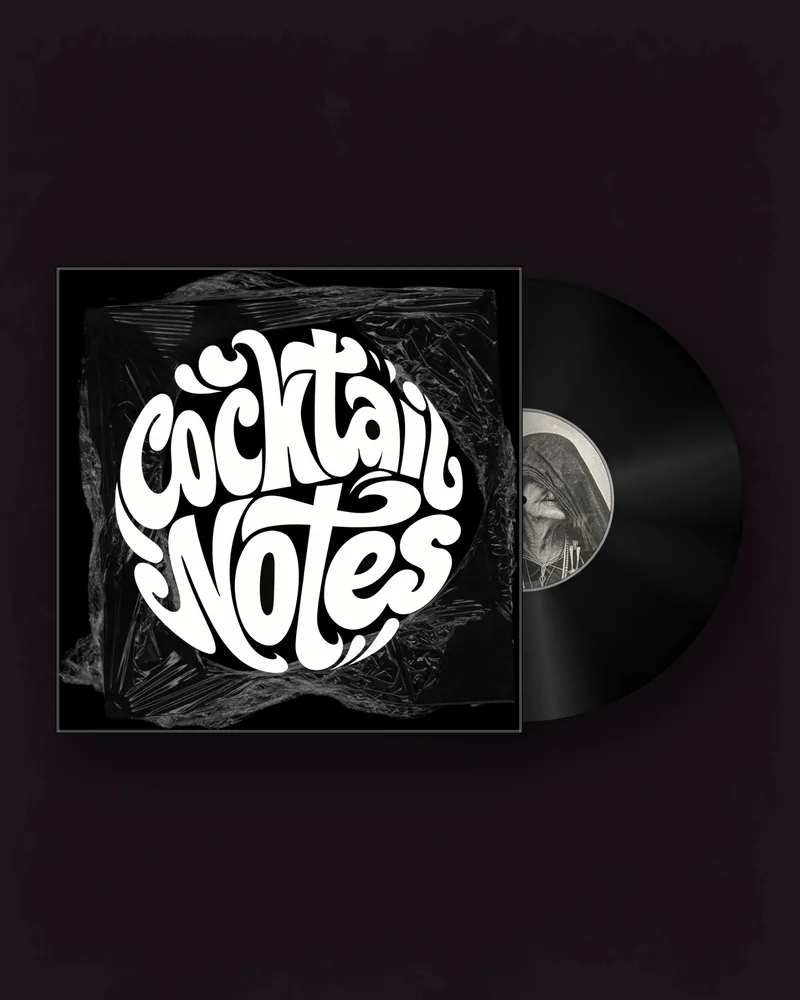
Yes. Upload any image for the label, a different one for the sleeve, or choose the picture disc to print the artwork across the whole side of the record.
From 2 to 30 seconds for a video and up to 10 seconds for a GIF. For a long DJ mix, export a perfect loop and repeat it in a video editor; the join is invisible.
MP4 in 1:1, 4:5, 9:16, 16:9 and 4:3, in Full HD. 9:16 fits Reels, TikTok and YouTube Shorts; 16:9 fits a normal YouTube video.
Yes. Upload an MP3 or WAV and drag the highlighted part of the waveform to choose the clip that plays. A GIF has no sound.
Yes, as a PNG from the vinyl mockup generator on any plan. The video and the GIF always have a background.
No. The record, the grooves, the label and the light are drawn in your browser, and you download a finished file.