
Most “free” visualizer makers let you design for an hour and then stamp a logo across the export. Here the line is drawn before you start: what is free is listed on this page, and what you download for free has no watermark across your artwork. Designing and previewing never cost anything.
Free means three things on this site: you can design and preview everything without an account, a free account downloads four kinds of files, and nothing you download for free has a watermark laid over your artwork.
It does not mean everything. The spinning record video with your song in Full HD is the paid part, because it is the one file most musicians post on release day. The table below says which is which, so you do not find out at the export button.
If you are comparing tools, this is the question to ask each of them: what exactly do I get to keep without paying, and what is printed on it?
| What you make | Price | What is on the file |
|---|---|---|
| Design and live preview | Free, no account | Nothing is exported yet |
| Spinning record GIF (vinyl, CD, cassette) | Free with an account, unlimited | No watermark. Up to 10 s, 320 to 720 px, no sound |
| Mockup PNG (vinyl, CD, cassette) | Free with an account | No watermark. Up to 720 px; 3000 px and a transparent background on a plan |
| Retro phone video (MP4) | Free with an account | Your track. A small site address on the screen; a plan removes it |
| Glitch loop (MP4 or GIF) | Free with an account | A small site address; a plan removes it |
| Vinyl, CD or cassette video (MP4, Full HD, with sound) | A plan or a one-time pack | No watermark |
| Spotify Canvas, Apple Music motion artwork | A plan or a one-time pack | No watermark |
Your cover on a turning vinyl, CD or cassette, looping forever. For websites, Discord, email signatures and anywhere a video will not play. Open →
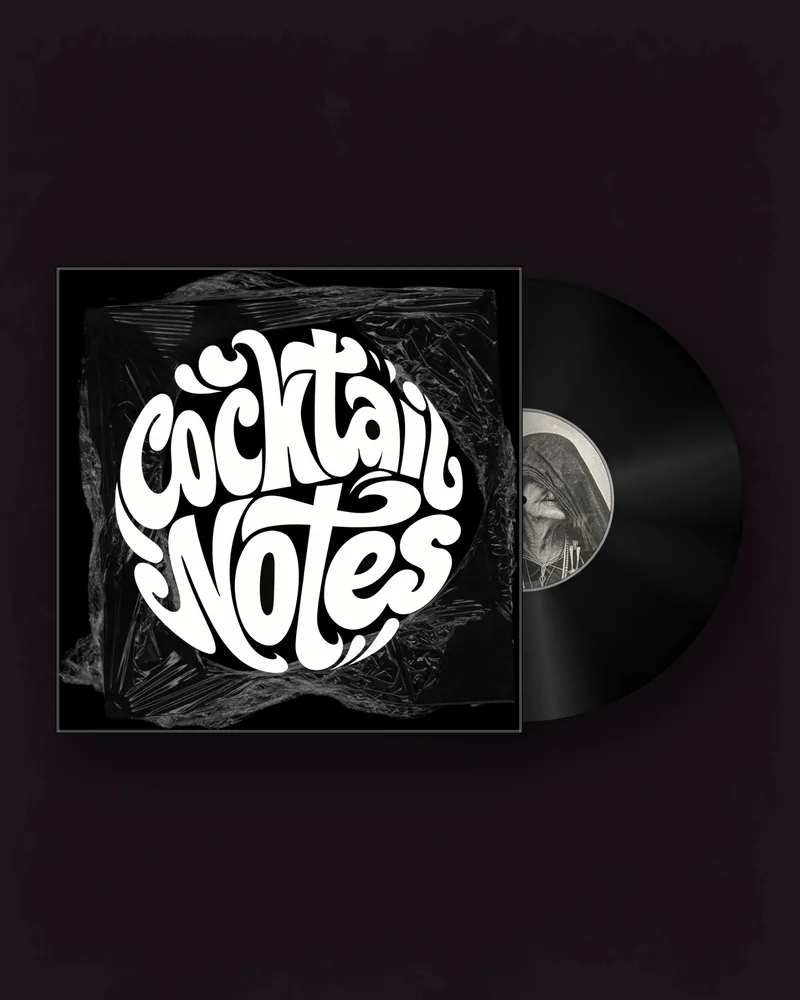
The record and its sleeve as a clean image for the store page, the press kit and the announcement post. Open →
Your song title scrolling across an early-2000s phone screen, with a ringtone version of your track. A full MP4 with sound. Open →
VHS tearing, RGB split and liquid warp applied to the cover itself, as an MP4 or a GIF. Open →
The watermark. Is there one, where does it sit, and does it cover the artwork?
The resolution. Some free exports stop at 480p, which looks soft on a phone.
The length. A ten-second cap is fine for a loop and useless for a full song.
The moment the price appears. A fair tool tells you before you spend an hour designing.
Where your music goes. An unreleased track uploaded to a server is out of your hands. Here the frames are drawn on your own device.
What you may do with the file. Check that commercial use — a release, an ad — is allowed.
A JPG or PNG of your release. It stays in your browser while you design.
Record, CD or tape, background, motion and a clip of your song.
MP4, GIF, Canvas or PNG in the size your platform needs. No watermark.
The website and the link-in-bio page. A record GIF at 480 or 720 px loops by itself and needs no player. Put it at the top of the page next to the pre-save button.
The announcement post. A mockup PNG shows the record and its sleeve as an object, which reads as “this is a real release” more than a flat cover does. Use it for the first post and for the store page.
Stories, Reels and TikTok. The retro phone video is a vertical MP4 with sound: the song title runs across the screen while a ringtone version of the track plays. It is the one free file made for feeds.
The teaser a week before. A glitch loop of the cover gives away the artwork without giving away the song.
Chats and newsletters. Discord, Telegram and most e-mail programs play a GIF where a video would be a link. A 320 px GIF keeps the message light.
Used together, the four files cover a release from the first hint to the day it is out, before any money is spent.
Pay when you need the one thing the free tools do not give: a spinning record video with your song in it, in Full HD, for Reels, TikTok and YouTube. A single release can be covered by a one-time pack; people who post every week use a monthly plan. Both are on the pricing page, together with the free trial when one is on offer.
Until then, a GIF for the website, a mockup for the announcement and a retro phone clip for the teaser are a real release kit that costs nothing.
For GIFs and PNG mockups, yes: they are free with an account and carry no watermark. Videos of a spinning record with sound need a plan or a one-time pack.
Not to design or preview. A free account is needed to download; no card is asked for.
The retro phone video and the glitch loop in MP4. A GIF never has sound.
The retro phone video and the glitch loop show a small site address. It does not cover your artwork, and any plan removes it.
As many as you like. Each one is saved to your downloads.
GIFs are 320, 480 or 720 px. Free mockups are up to 720 px.
Yes: releases, ads and client work. You must own the artwork and the music you upload, or have a licence for them.
While you design, the frames are drawn in your browser on your own device.
Yes, in the phone’s browser, with nothing to install.