
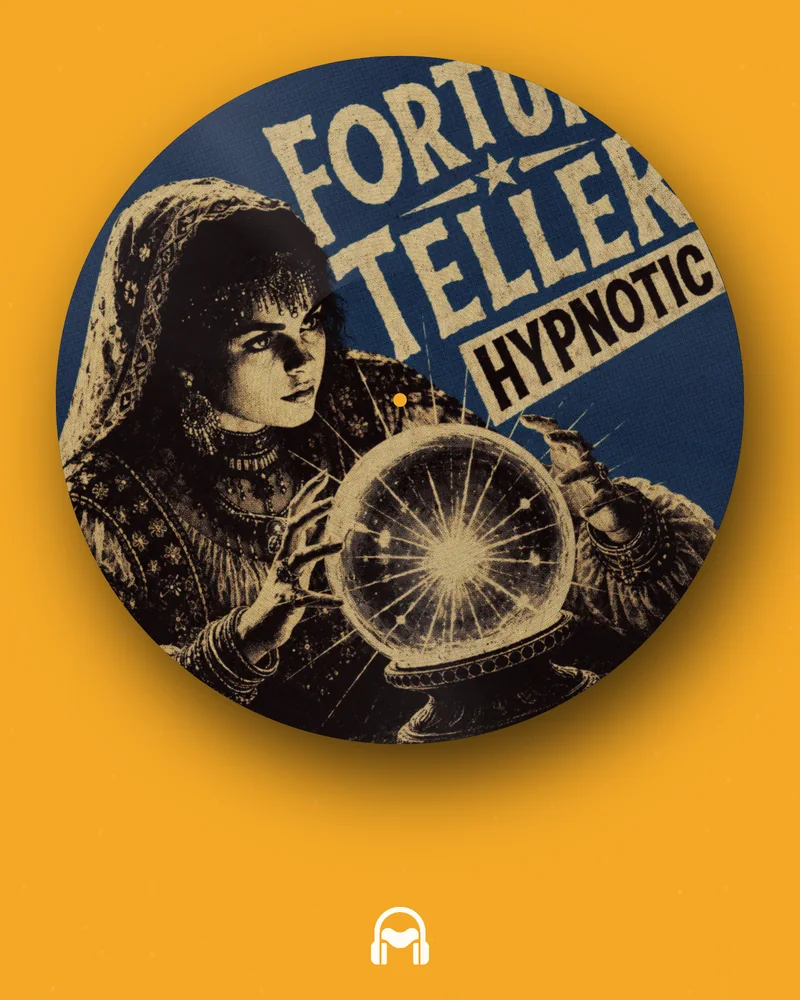
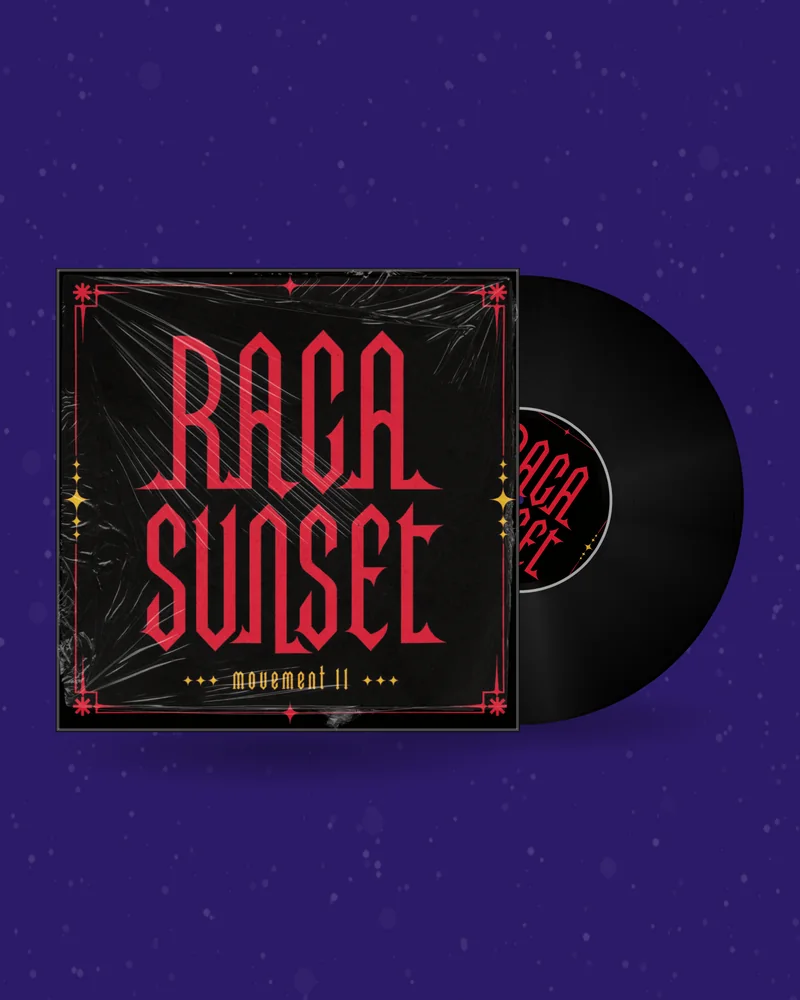
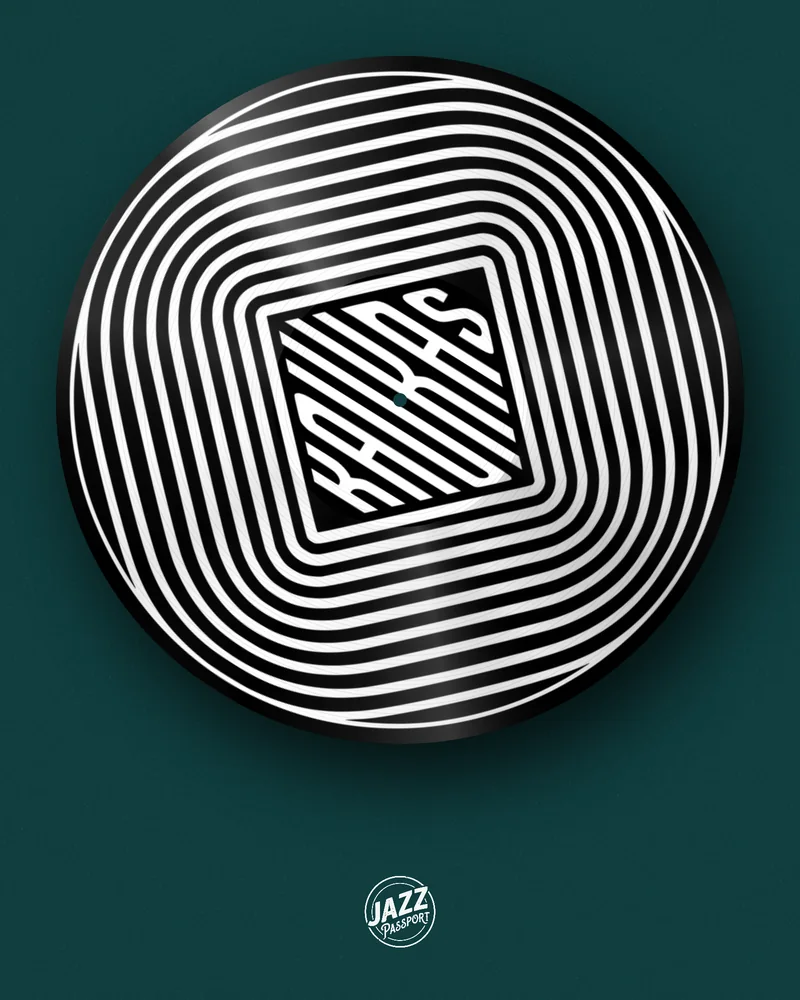
SpinVid is an app for spinning record videos. VinylRender does the same job without an app: you open a page, upload the artwork and the track, and download the video. It also spins CDs and cassettes, and makes GIFs and mockups for free. Below is a side-by-side, so you can pick the one that fits how you work.
Both tools turn a cover and a track into a spinning record video. SpinVid is built around phone apps and a subscription; VinylRender is built around the browser, more kinds of records and more kinds of files.
If you make your posts on a phone and like working inside an app, SpinVid is a natural fit. If you would rather not install anything, want the record to look like a real pressing, or also need a CD, a cassette, a GIF or a still image of the same release, VinylRender covers more ground.
What is said about SpinVid here comes from its own public pages, read on 20 November 2026. Apps change; where we did not check something, the table says so. VinylRender wrote this page and is not connected with SpinVid.
| VinylRender | SpinVid | |
|---|---|---|
| Where it runs | In the browser, on a computer or a phone. Nothing to install. | iOS and Android apps, plus a desktop web app. |
| What spins | Vinyl, CD, cassette and VHS. | A vinyl record; its pages describe vinyl only. |
| The record | Drawn records, photographed real pressings (marble, splatter, white), picture disc, sleeve, inner sleeve, turntable. | Your image on a record, with colour, size, label and opacity settings. |
| Backgrounds | Colour, gradient, your photo, or the cover blurred behind the record. | Colour; photo or GIF and video backgrounds on paid plans. |
| Sound | Your track; the clip is chosen on a waveform. | Your track, trimmed in the app. |
| Text and logo | Text lines with fonts and animation, streaming service badges; logo on the Studio plan. | Text with fonts; your logo. |
| Effects | An audio visualizer ring around the record; textures and frames on the Studio plan. | FX and filters, such as VHS and glow, on paid plans. |
| Other files | GIF, PNG mockup, Spotify Canvas, Apple Music motion artwork. | Video; a Spotify video option on paid plans. |
| Length | 2 to 30 seconds per video, with a perfect loop. | Free plan: audio up to one minute. Other limits not checked. |
| Watermark | None on downloads. | Removing the watermark is a paid feature. |
| Paying | GIFs and mockups free with an account; monthly plans or a one-time pack for videos. | A free plan and three subscription tiers; the lowest covers the phone apps only. |
There is no shame in using both: the artwork and the track are the same files.
Whichever tool you pick, four things decide whether the post looks like a release or like a filter.
The label. People read the centre of the record first. Give it its own image — a logo, a catalogue number, the title — instead of a crop of the cover.
The speed. A real record turns at 33⅓ or 45 rpm, and on a phone that looks frantic. Between 6 and 20 rpm the artwork stays readable.
The loop. Feeds replay a video automatically. If the last frame does not match the first, the record jumps on every replay. The Perfect loop switch snaps the speed to whole turns so the join cannot be seen.
The scene. A disc floating on a flat colour reads as a graphic. A sleeve, a shadow or a turntable reads as an object — and objects get looked at longer.
A JPG or PNG of your release. It stays in your browser while you design.
Record, CD or tape, background, motion and a clip of your song.
MP4, GIF, Canvas or PNG in the size your platform needs. No watermark.
You bring the same two things — a square cover and an audio file — and open the vinyl video maker in a browser tab. There is no project to import, because a spinning record video is quick to rebuild.
The steps are familiar. Upload the cover, choose the record and the scene, set the speed, drag the highlighted part of the waveform to the bars you want, and render. The first difference you will notice is the record itself: instead of an image on a disc, you choose a pressing, a label style and whether the record sits in its sleeve or on a turntable.
The second difference is the format list. One design exports as 1:1, 4:5, 9:16, 16:9 and 4:3, so the same record goes to the feed, to Reels and TikTok, and to YouTube.
Designing and previewing are free and need no account. The current prices are on the pricing page.
A release is rarely posted in one place. From the same design you can export a square 1:1 or a 4:5 for the Instagram feed, a vertical 9:16 for Reels, TikTok and YouTube Shorts, a 16:9 for a normal YouTube video and a 4:3 for Facebook, all in Full HD.
For a long DJ mix on YouTube, export a looping 16:9 clip and repeat it under the audio in any video editor. For Spotify, the Canvas maker produces the eight-second vertical loop in the size Spotify asks for.
For this job, yes. The frames are drawn and encoded on your own device, so the artwork and the unreleased track are not waiting on someone else’s server while you design. Chrome and Edge encode the MP4 natively and finish in seconds; Firefox and Safari use a built-in encoder that takes longer but gives the same picture.
There is nothing to update and nothing to free up storage for, and the same link works on the studio computer, on a laptop and on a phone. What an app still does better is working with no connection at all.
Partly. Designing and previewing are free with no account, and GIFs and PNG mockups are free with an account. Exporting an MP4 video needs a plan or a one-time pack.
Yes. VinylRender runs in the browser on Windows, Mac and Linux, and on phones. There is nothing to download or install.
No. Downloads from VinylRender carry no watermark. Two free tools, the glitch maker and the retro phone, show the site address on free files.
Yes, in the phone’s browser. The editor is the same as on a computer; rendering takes longer on older phones.
We cannot vouch for unofficial files. Get apps only from the official stores. If you simply want to avoid installing anything, a browser tool needs no APK at all.
That is handled by SpinVid or by the store where you subscribed. Its own FAQ explains the steps; VinylRender has no access to it.
Yes. Any square JPG or PNG and an MP3 or WAV file work. Nothing needs to be converted.
From 2 to 30 seconds per video. For anything longer, such as a DJ mix, export a perfect loop and repeat it in a video editor.
English, Spanish, Portuguese and French, both the site and the editor.
Yes: releases, ads, client work and merch. You must own the artwork, the logo and the music you upload, or have a licence for them.
SpinVid facts were taken from spinvid.io, its FAQ and its desktop features page on 20 November 2026. Prices, plans and features of both products can change; check each site before paying. SpinVid is a trademark of its owner.